Toll Station Receipt Generator
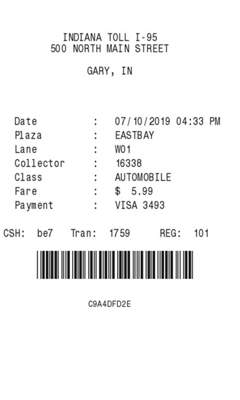
One toll fare and a plaza name you type. The class is always Automobile. There is no tax field.
Enter Receipt Details
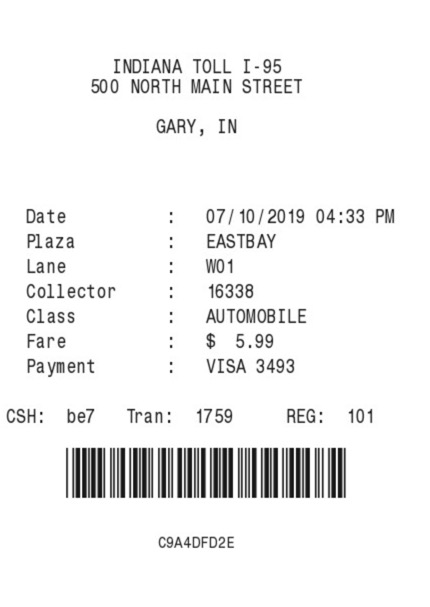
What information you can enter on this Toll Station Receipt Generator template:
- Plaza Station name, street, city and state, date, and time. The custom-text field is the plaza name. It prints on its own line and again next to Plaza.
- Fare One amount, a currency symbol, and a payment line you type. Five font styles sit above the fields.
How the sample is arranged
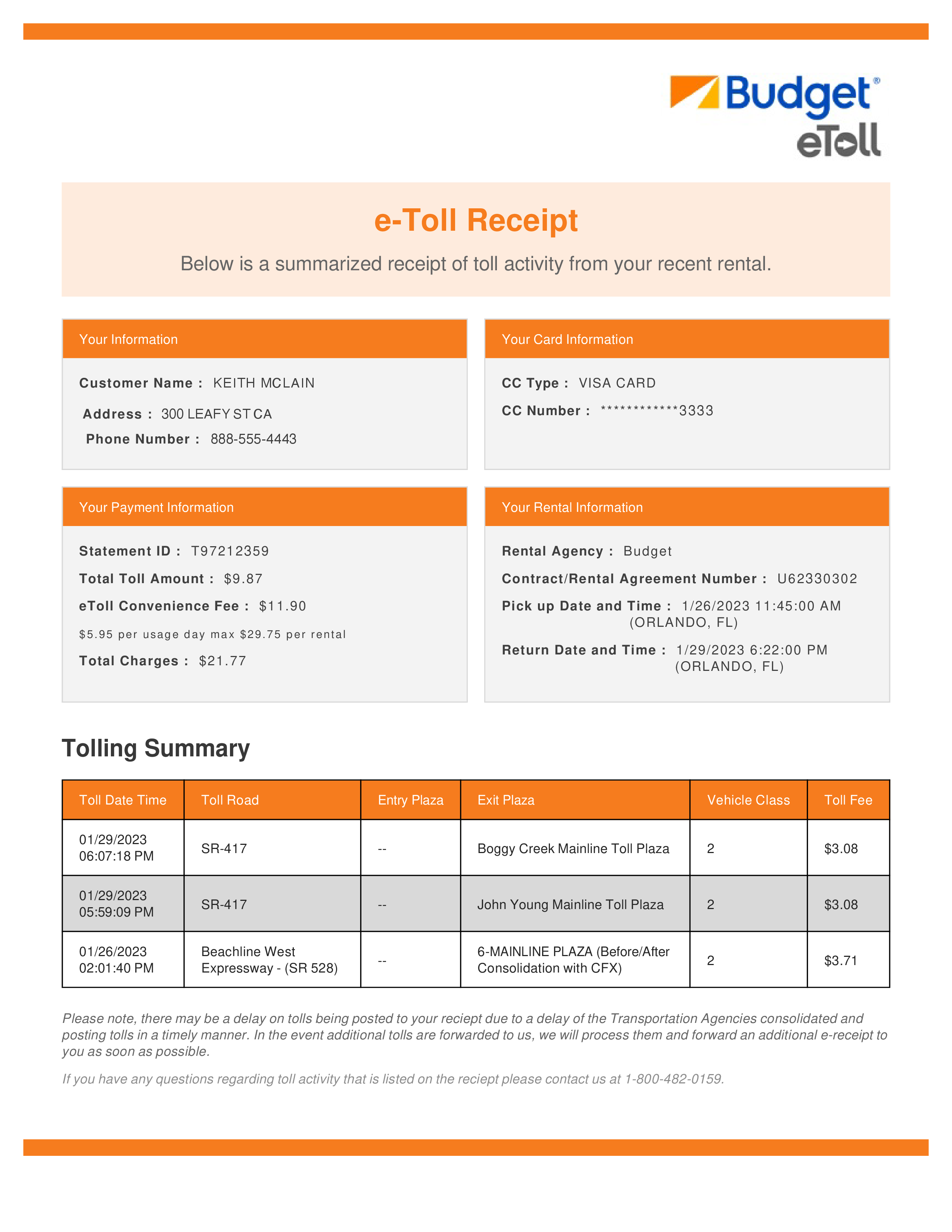
The sample is centered at the top: station, street, and city. The plaza name sits above a ruled list. Date and time share a line. Plaza, lane, collector, class, fare, and payment follow. A cashier code, transaction number, and register number sit above a barcode and a short code.
How the amounts are worked out
The fare is the amount you type. Class is always Automobile. The lane is W0 plus a digit that is filled in. Collector, transaction, register, and the barcode are filled in.
How to make this receipt
- Enter the station name, address, and city and state.
- Type the plaza name in custom text, the fare, and the payment line.
- Make the receipt and download the JPG or PDF.
Membership and download
This is a Standard template. A current Standard or PRO membership removes the membership watermark. If you are not signed in, the receipt still shows that watermark. After you make the receipt, the page offers a JPG download and a PDF of that same image.
Other templates
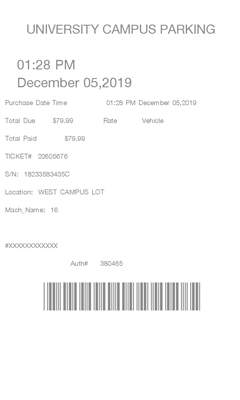
- Parking Lot 4 Also a barcode, with one amount and empty Rate and Vehicle labels.
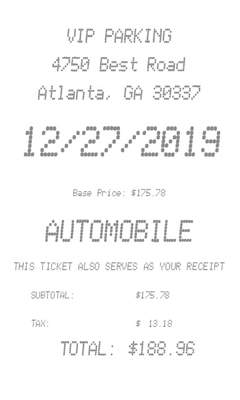
- VIP Parking Receipt One amount that adds tax, with a large date and no barcode.