Online Receipt Maker
Create a Receipt in Seconds.

Choose a receipt template, add your details, and download or print in seconds. Customize your logo, items, taxes, and totals—all online.

Make a Receipt — Free

No signup needed. Free templates are watermark-free.
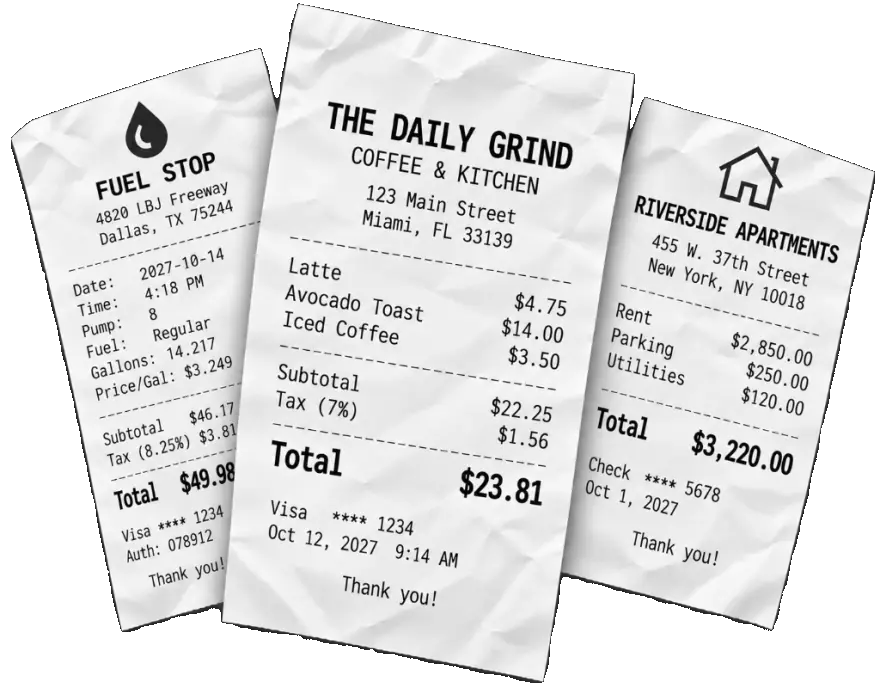
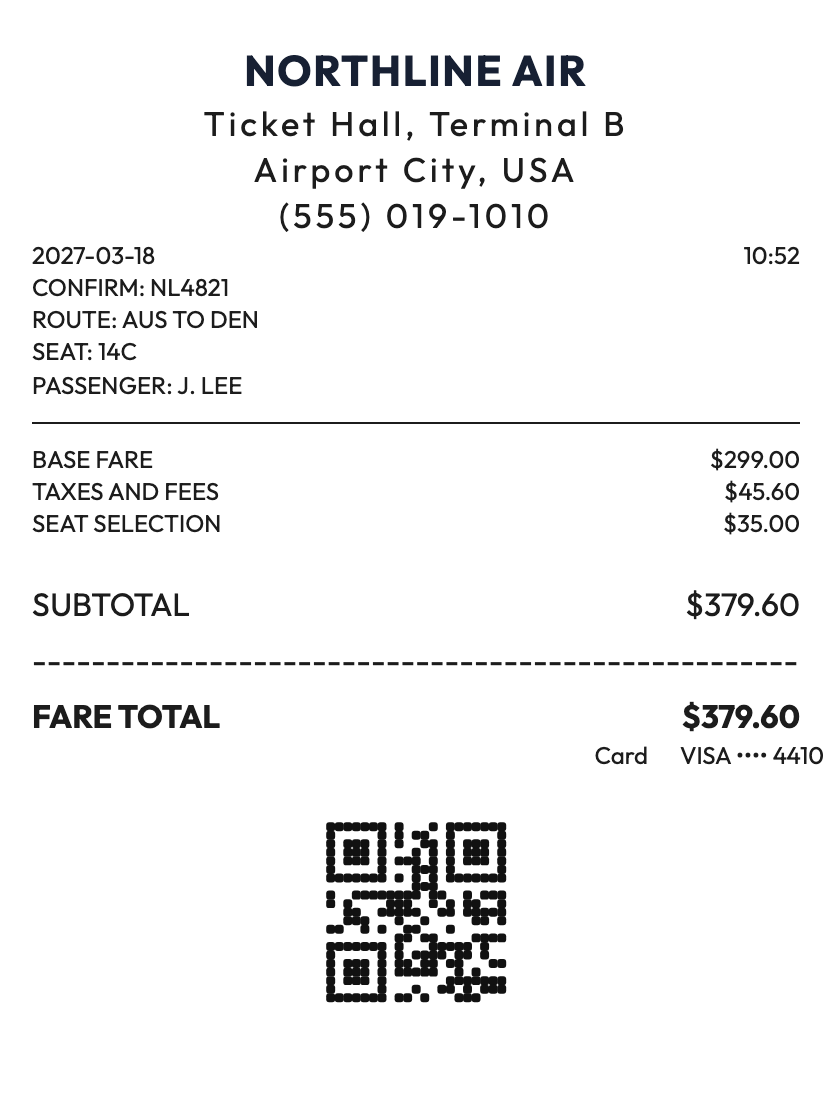
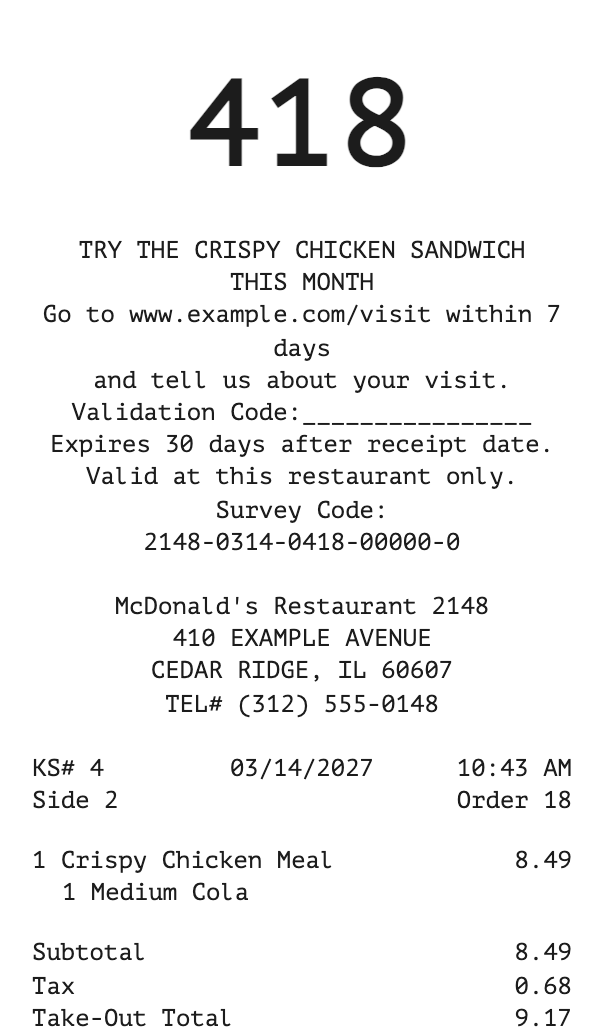
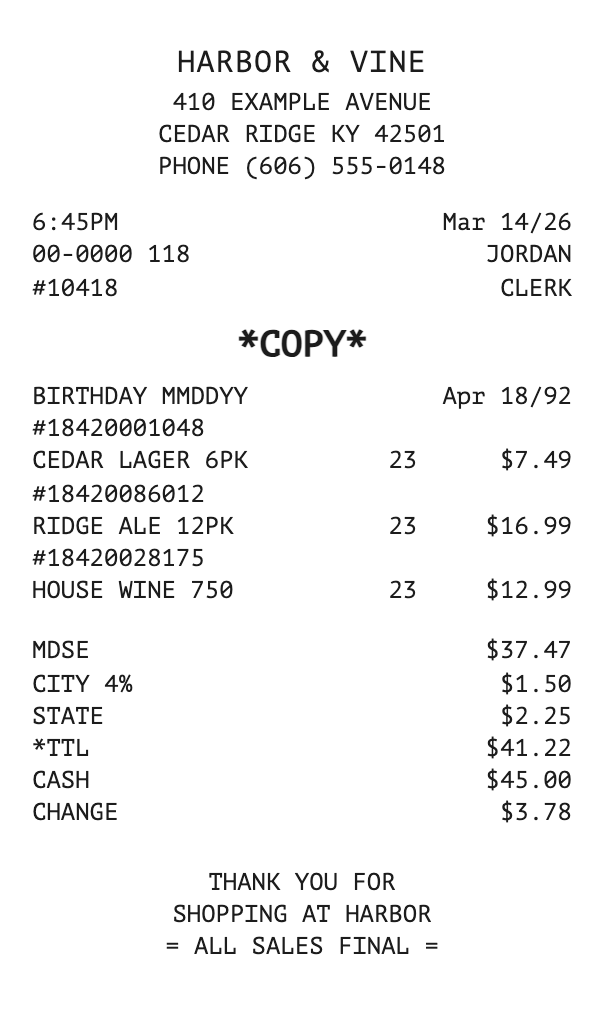
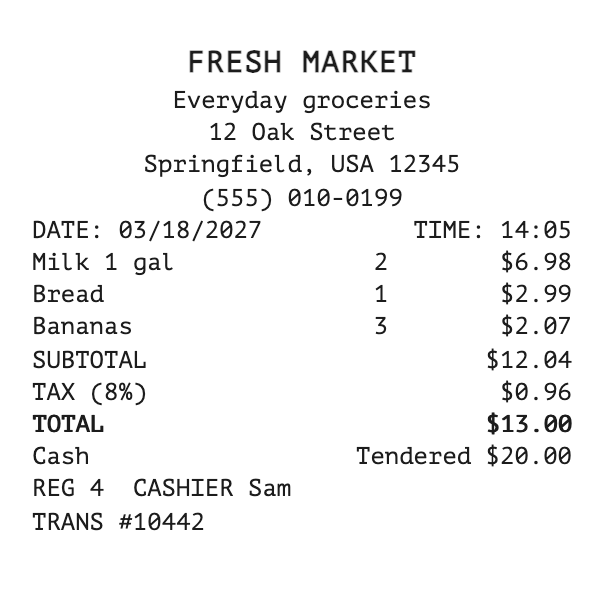
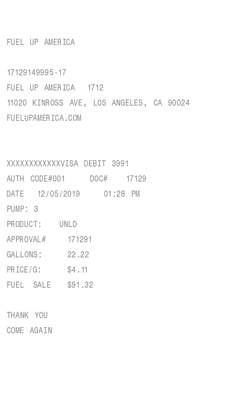
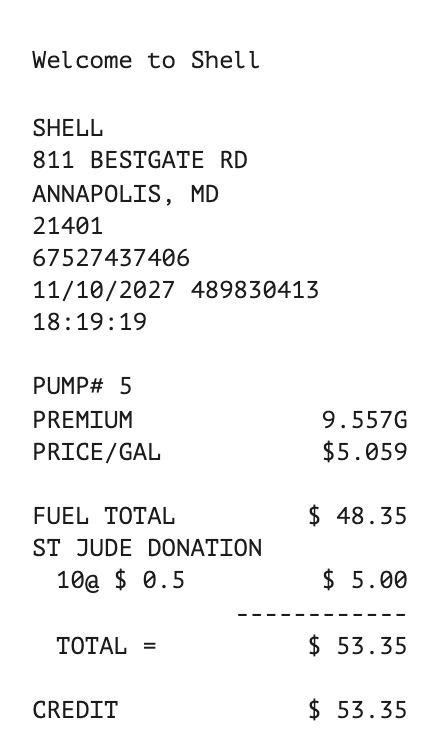
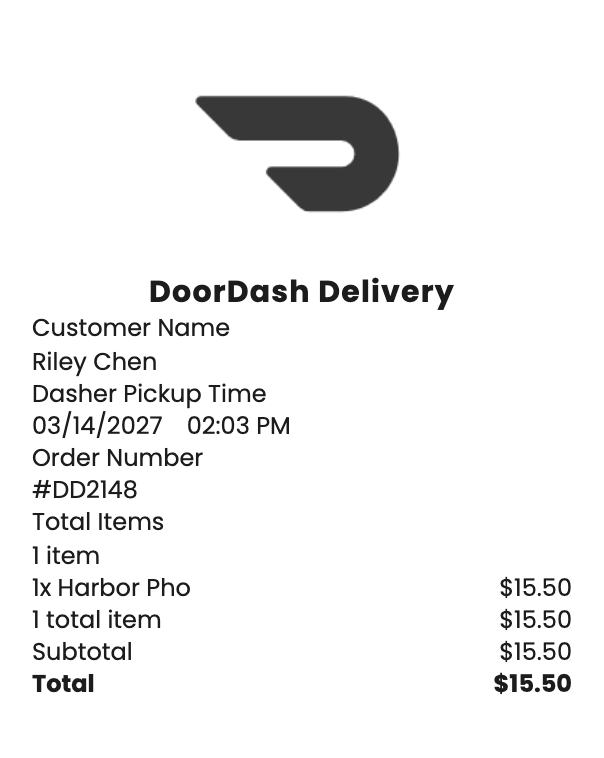
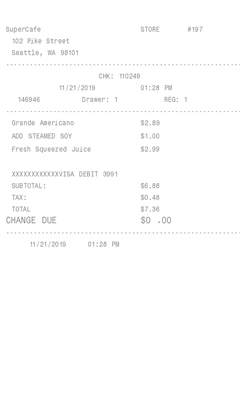
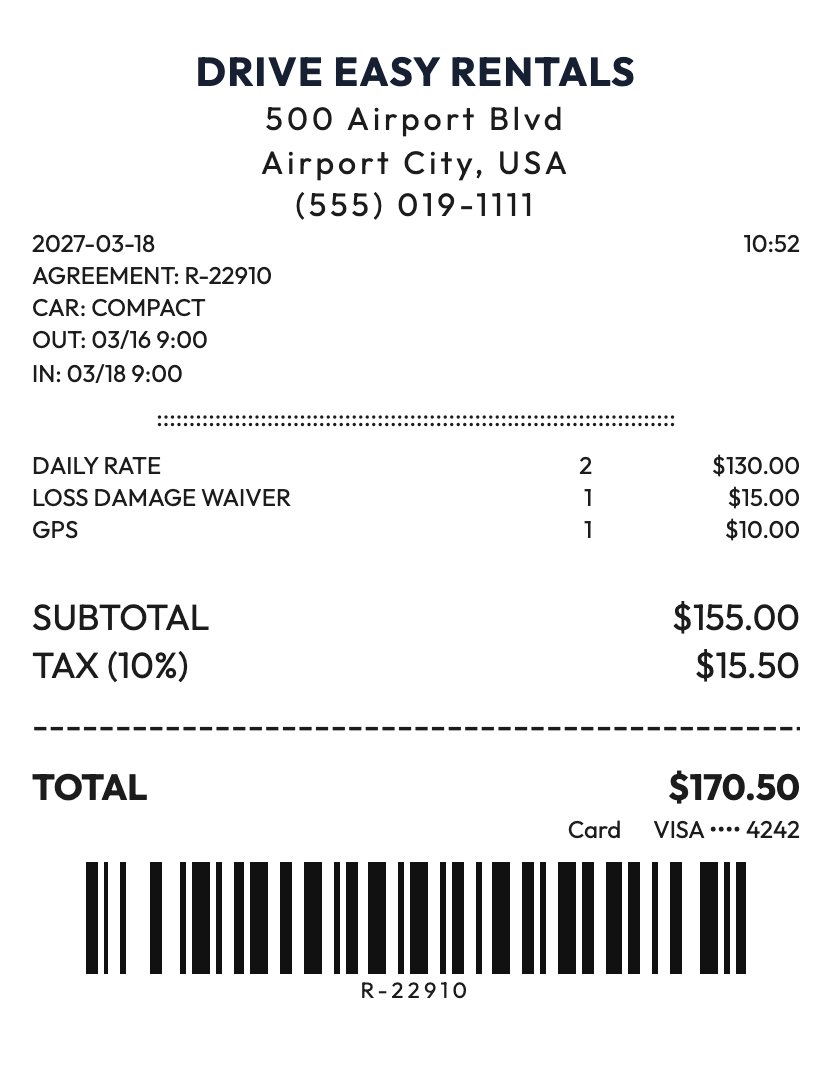
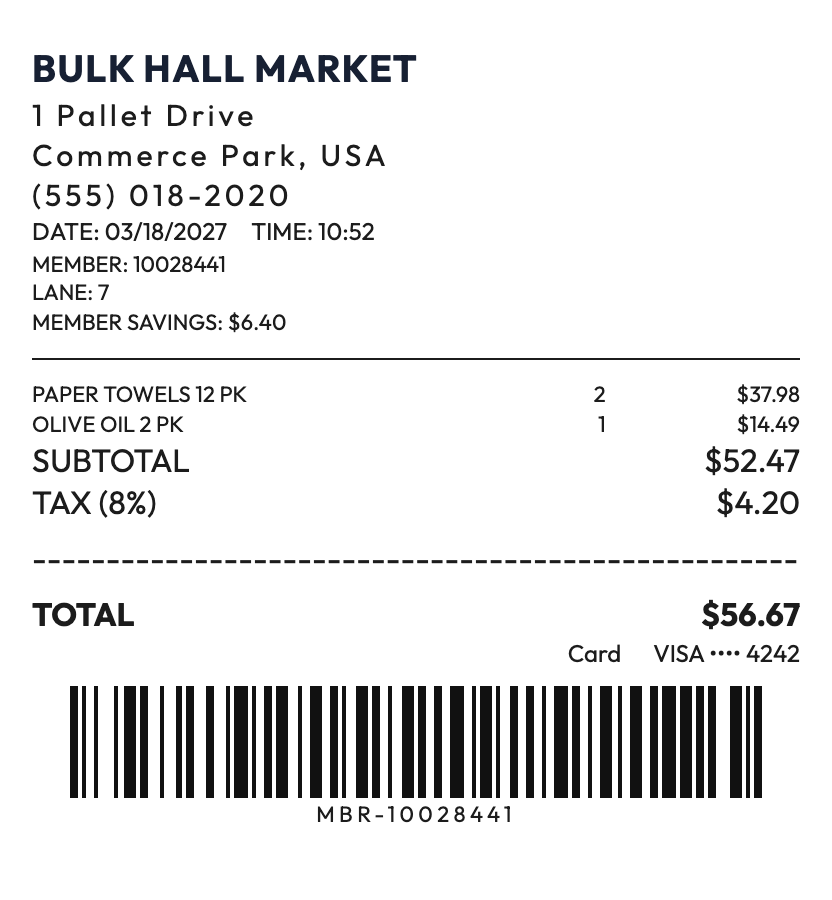
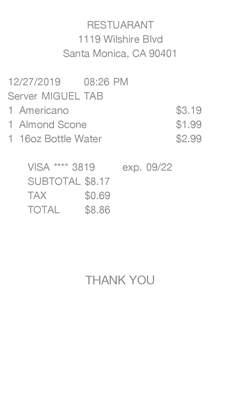
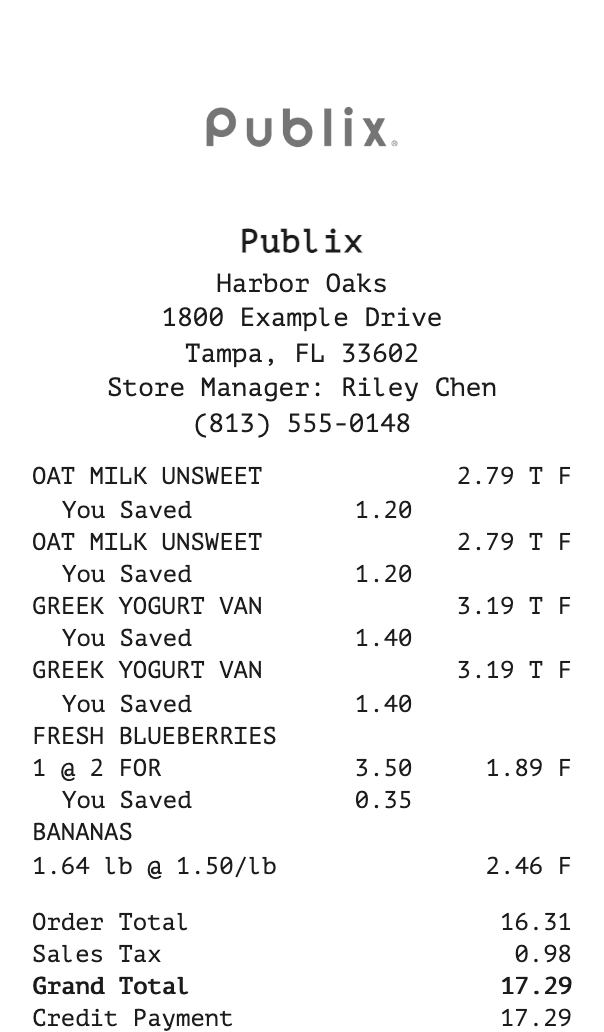
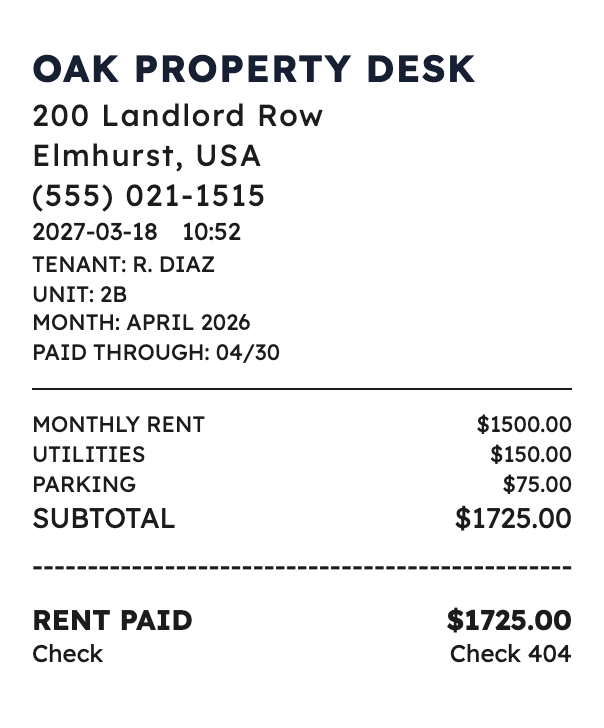
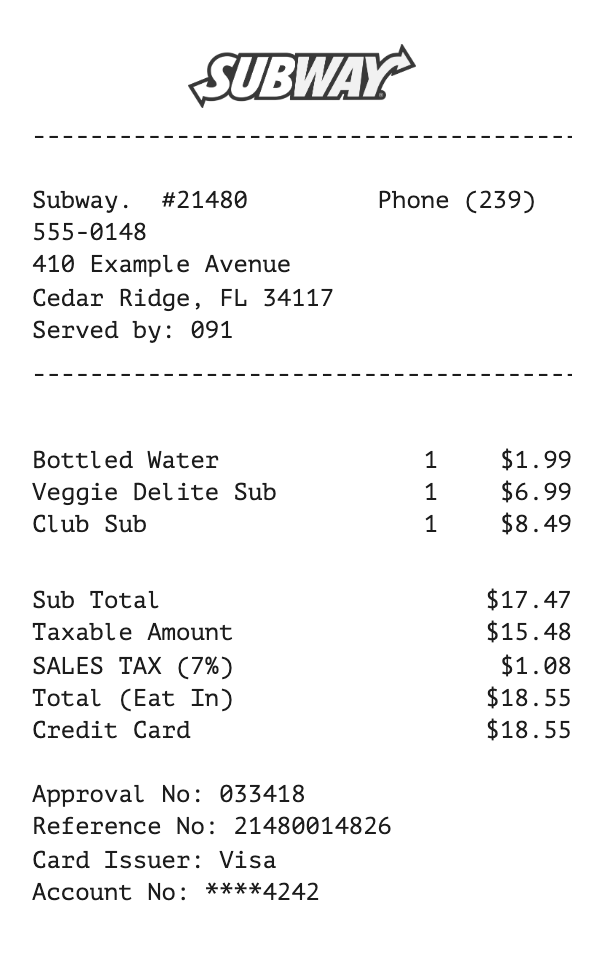
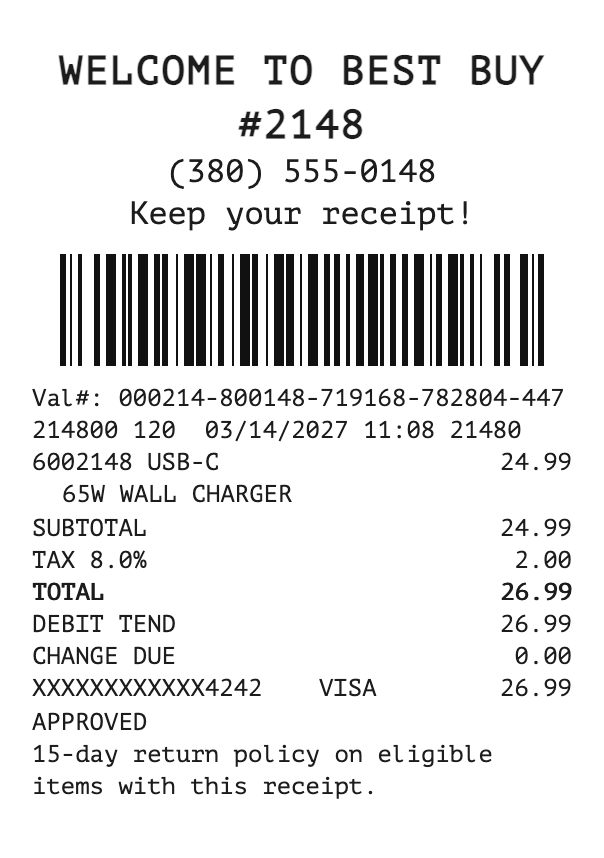
Sample gas, coffee, and rent receipts

Securely make receipts Trusted by thousands of people in 84 countries.

Choose a receipt template to begin

Each category page lists every receipt of that kind, with notes on what it includes. See all categories.

InvoiceMagic. Send invoices. Get paid.
Create Receipts on Your Phone

MakeReceipt Mobile

Available for free for all MakeReceipt users. Make receipts anytime, anywhere. Supports Bluetooth thermal printers - print real receipts to thermal receipt paper!

  • Download on the App Store
  • Get it on Google Play
MakeReceipt on a phone

What MakeReceipt does

MakeReceipt is a free online receipt generator. You choose a template, enter the sale, and download or print a digital receipt. It is for small businesses, freelancers, and anyone who needs a restaurant, fuel, taxi, retail, grocery, or health and wellness receipt without starting from a blank page. You customize a realistic template — the font, logo, items, tax, and totals — instead of designing a receipt yourself.
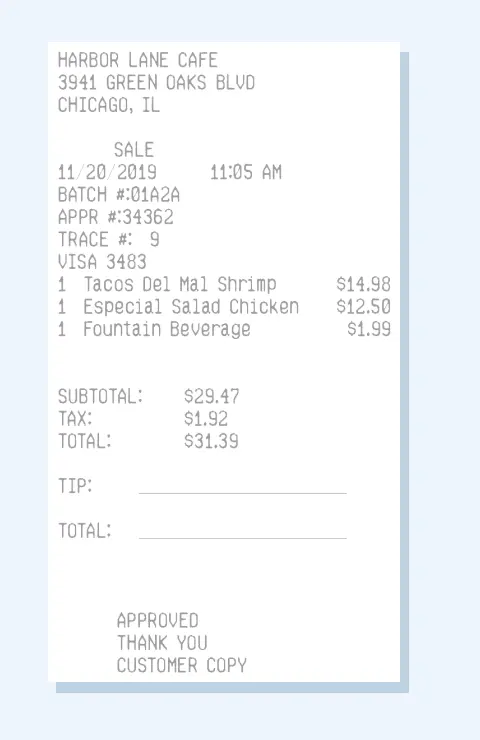
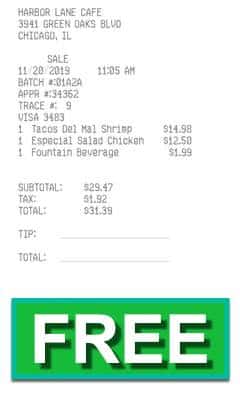
A cafe receipt with item lines, tax, and a total

How to create a receipt

  1. 1

    Choose a template

    Start with a sales, restaurant, fuel, taxi, grocery, health, or retail receipt.

  2. 2

    Enter the details

    Add the business, date, items, prices, and tax. MakeReceipt adds the subtotal and total.

  3. 3

    Download or print

    Save the receipt or print it at home. Free templates have no watermark. A Standard or Pro template includes one until you join.

Receipt categories

Each category is a different kind of receipt. Open one to see every template of that kind, with the fields that receipt uses.

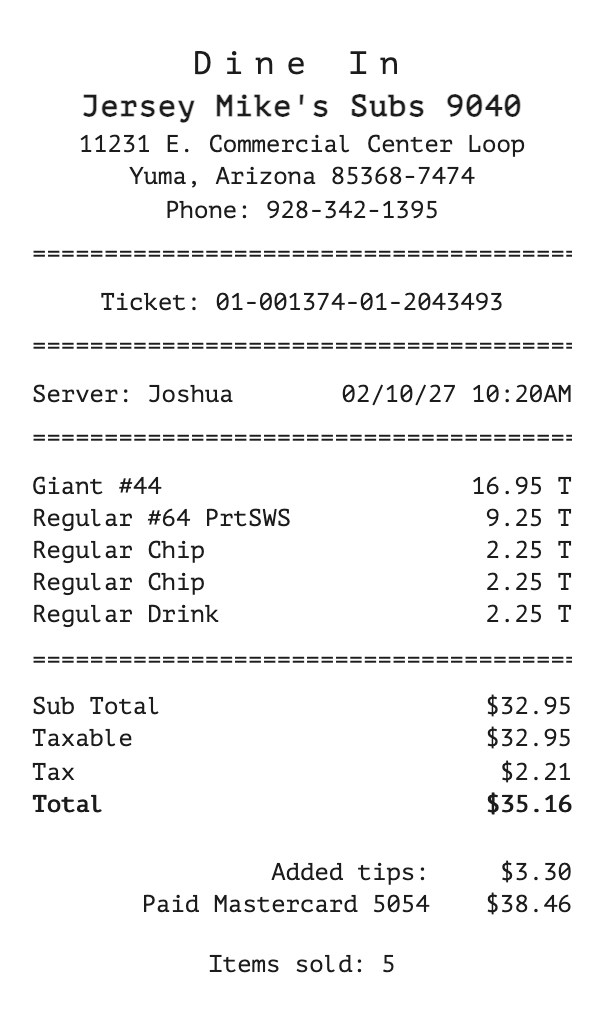
  • Create a receipt for a restaurant, café, diner, or bar. List each dish or drink with a quantity and a price, add the tax, and show how the guest paid.

    • Table and café checks A full list of food and drinks, with the restaurant address and phone under the name. Use these when the guest ordered more than one item.
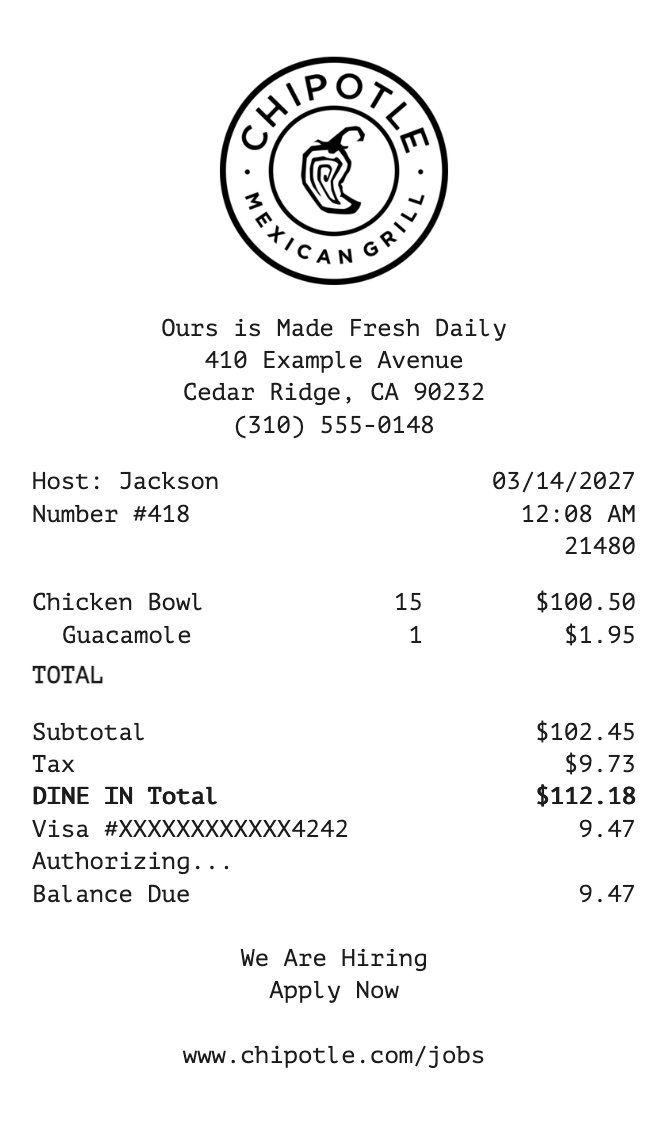
    • Fast food and a logo Counter-style receipts that can carry the restaurant logo above the order. Useful for a branded ticket at the window or the register.
    • Guest copy with a tip line A customer copy that leaves room for a tip and a signature, then shows the payment method under the meal.

    See all restaurant and café receipts

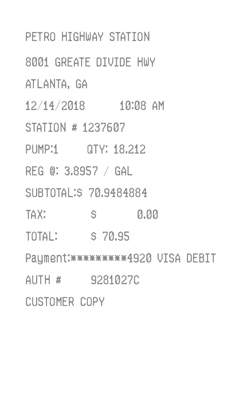
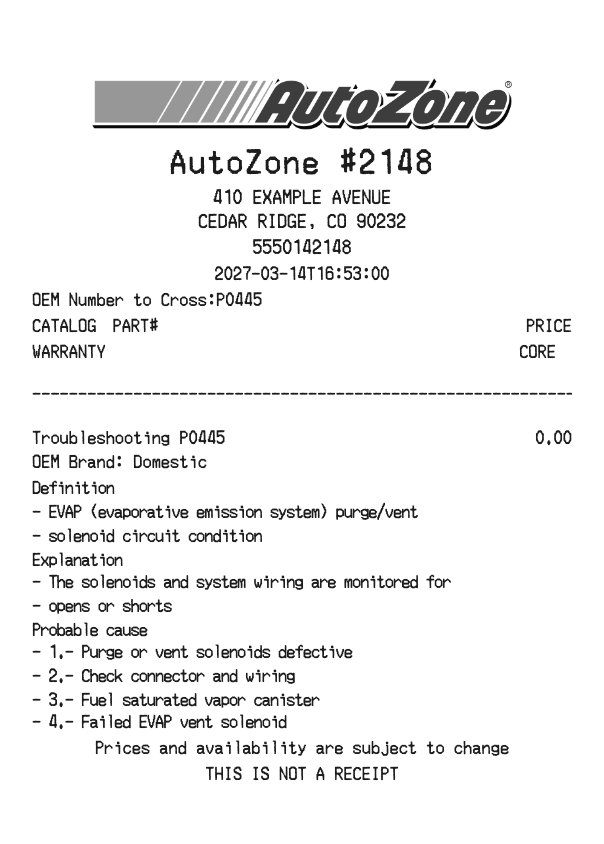
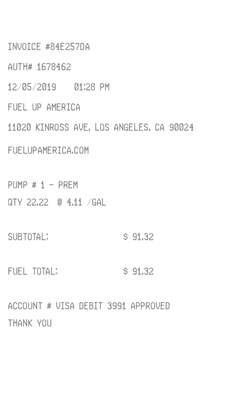
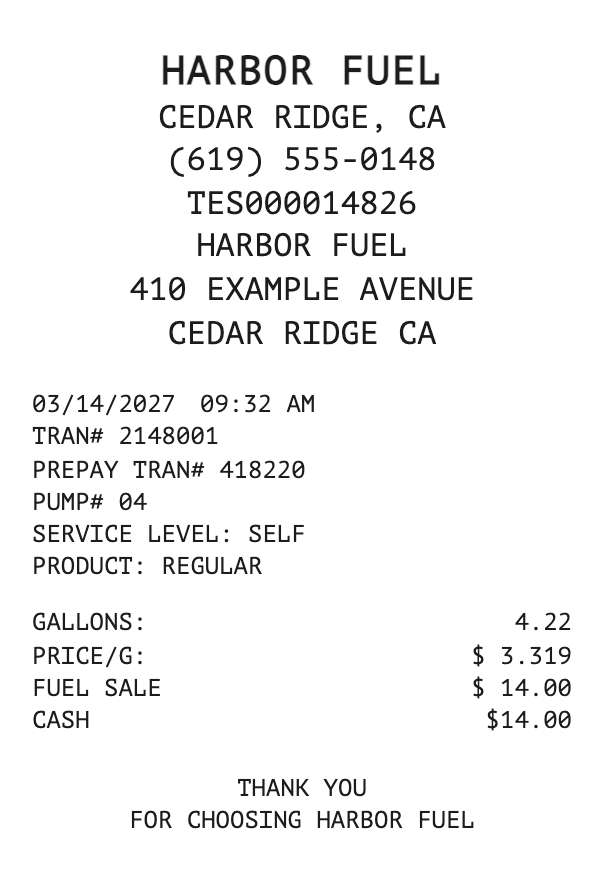
  • Create a fuel receipt for a gas station or pump. Enter the quantity in gallons or liters, the price per unit, and the fuel grade.

    • Pump ticket A short island or pump slip with volume, grade, and price. Useful when the driver needs the pump copy.
    • Station receipt The station name, street, and phone above the fuel sale. A few of these can include the station logo.
    • A simple fuel total The same quantity and grade fields, laid out like a common station receipt from the US, UK, Canada, or Australia.

    See all fuel and gas station receipts

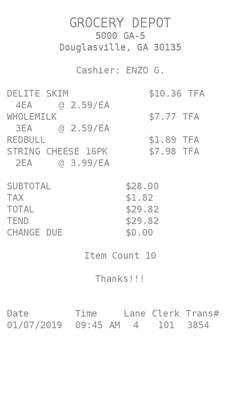
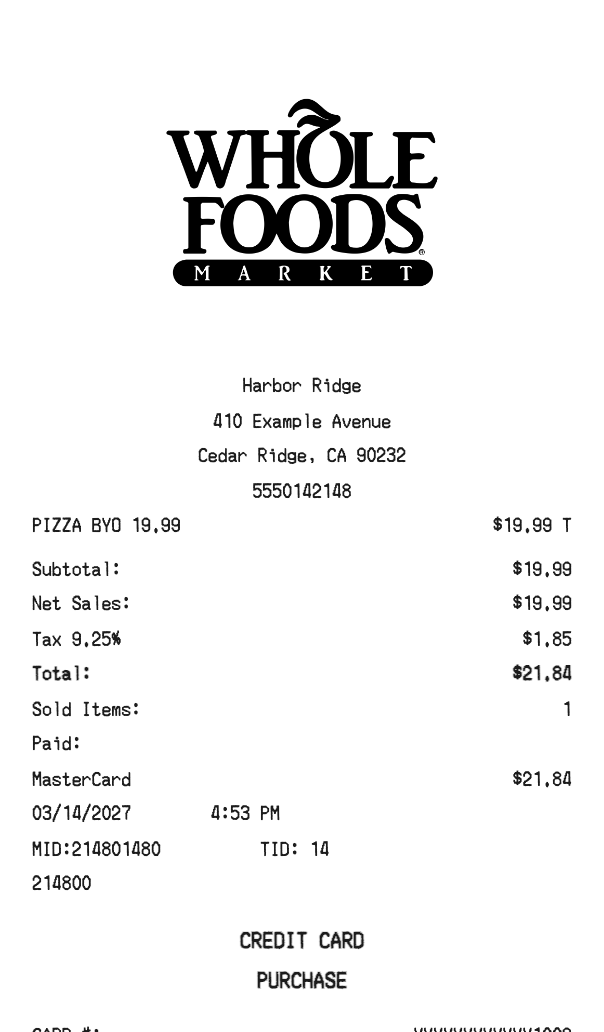
  • Create a grocery receipt with each product, a quantity, and a price. Add the market name, the tax, and how the customer paid.

    • Market item list A checkout-style list of products with quantities, prices, tax, and the total.
    • Logo at the top The same itemized basket with the market logo above the products.
    • A short grocery slip A compact itemized receipt for a smaller order, still with tax and payment.

    See all grocery receipts

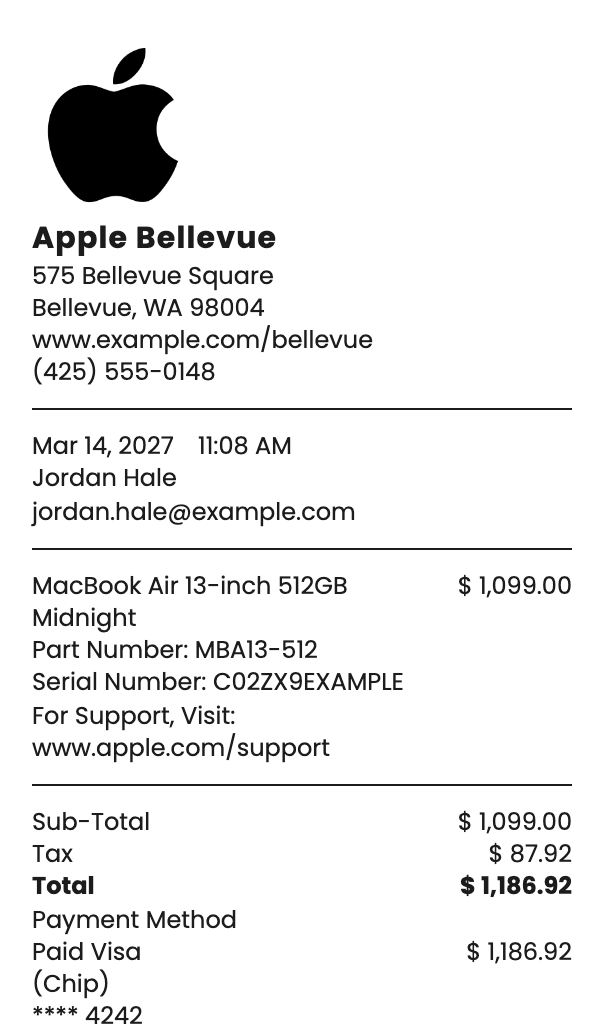
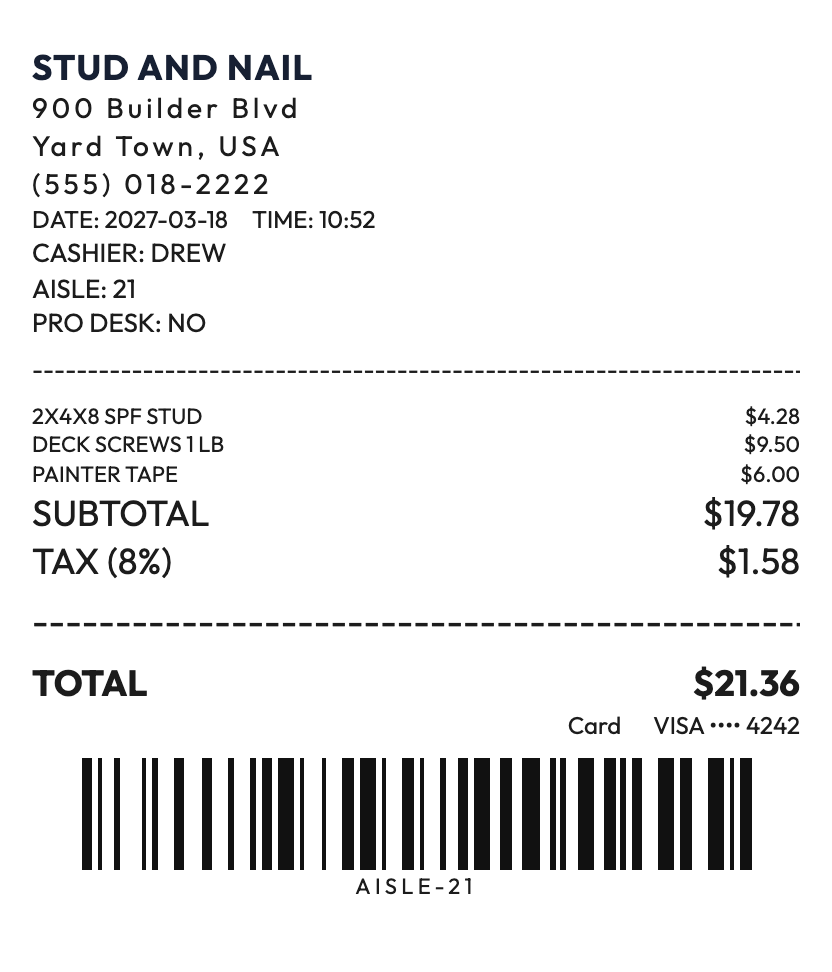
  • Create a retail receipt for merchandise. List each product with a quantity and a price, then add the store, the tax, and the payment.

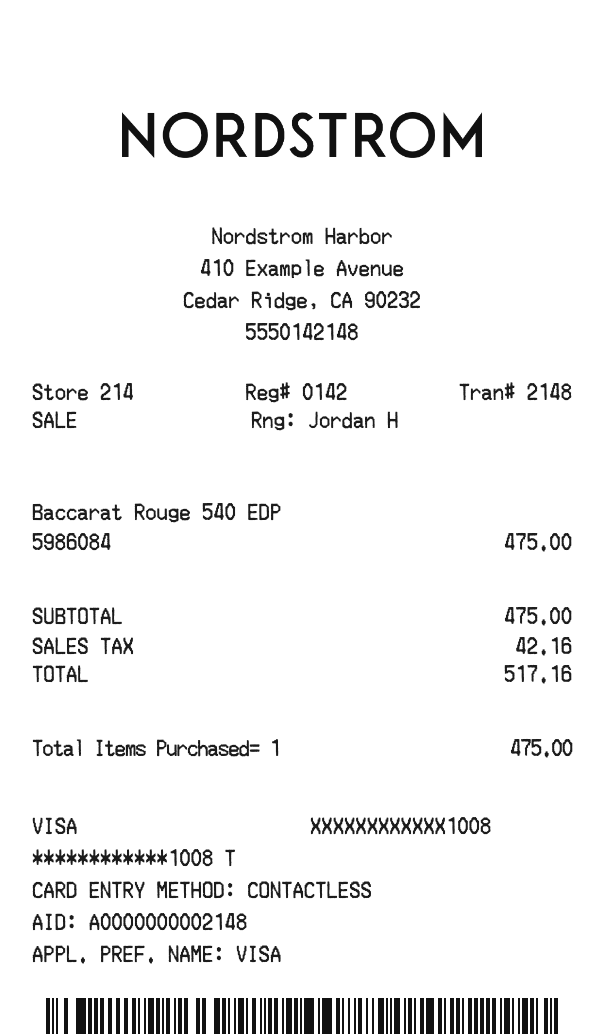
    • Store item list A merchandise receipt with each product, the quantity, and the price. Use it for a counter sale.
    • A branded shop receipt The same item lines with room for the store logo, for a receipt that looks like the shop’s own slip.
    • A note for the customer Itemized layouts that also take a short custom line under the products and the payment.

    See all retail store receipts

  • Create a fast food receipt with the order, the counter total, and how the guest paid.

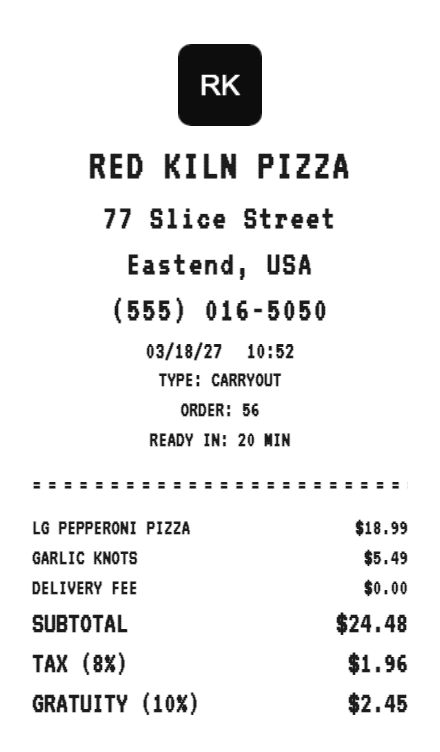
    • Counter ticket A short order with the restaurant name, the items, tax, and the total.
    • A branded bag slip The same order with the restaurant logo above the items, for a receipt that matches the bag.
    • Drive-through total Items, tax, and the card or cash line, laid out like the slip handed through the window.
    See all fast food receipts

  • Create coffee shop and drink receipts with the shop name, the drinks or a single amount, tax, and how the customer paid.
    See all coffee shop receipts

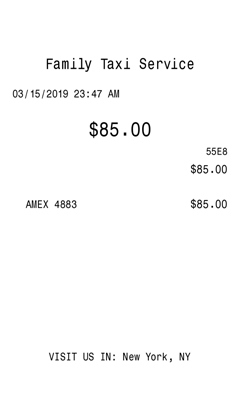
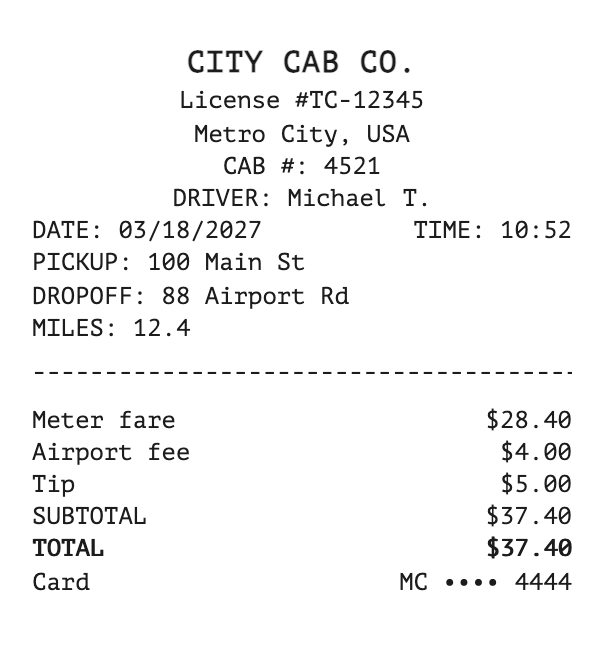
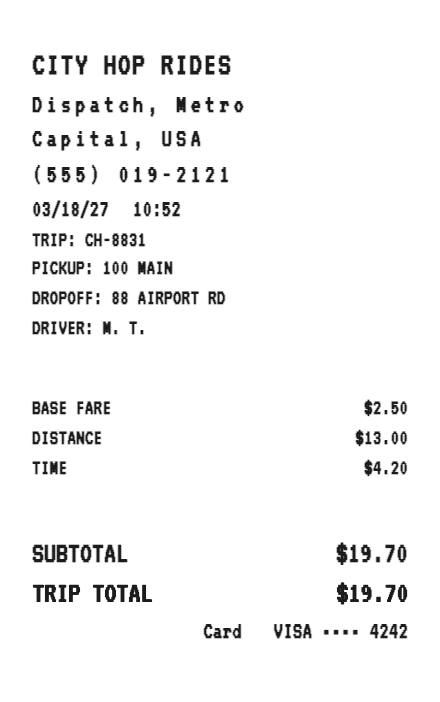
  • Create a taxi or trip receipt with the fare, the date, and how the passenger paid. Some layouts also include the pickup and the destination.

    • Cab ticket Company name, address, fare, and payment on one slip. Use it when the passenger wants the driver’s receipt.
    • Trip with a destination Start address, destination, and the times the ride began and ended, plus the fare and the card used.
    • A branded ride receipt A transportation layout that can carry a custom color and logo with the fare.

    See all taxi and travel receipts

  • Create a sales receipt for a purchase or a service. Add the business, the amount or the items, the tax, and how the customer paid.

    • Standard sale Business details, one amount, tax, and payment. The everyday receipt for a purchase or a service.
    • Register and POS A register-style or point-of-sale slip, including itemized lines when the sale has more than one product.
    • Logo and customer copy A branded receipt or a customer copy the buyer keeps after they pay.

    See all sales receipts

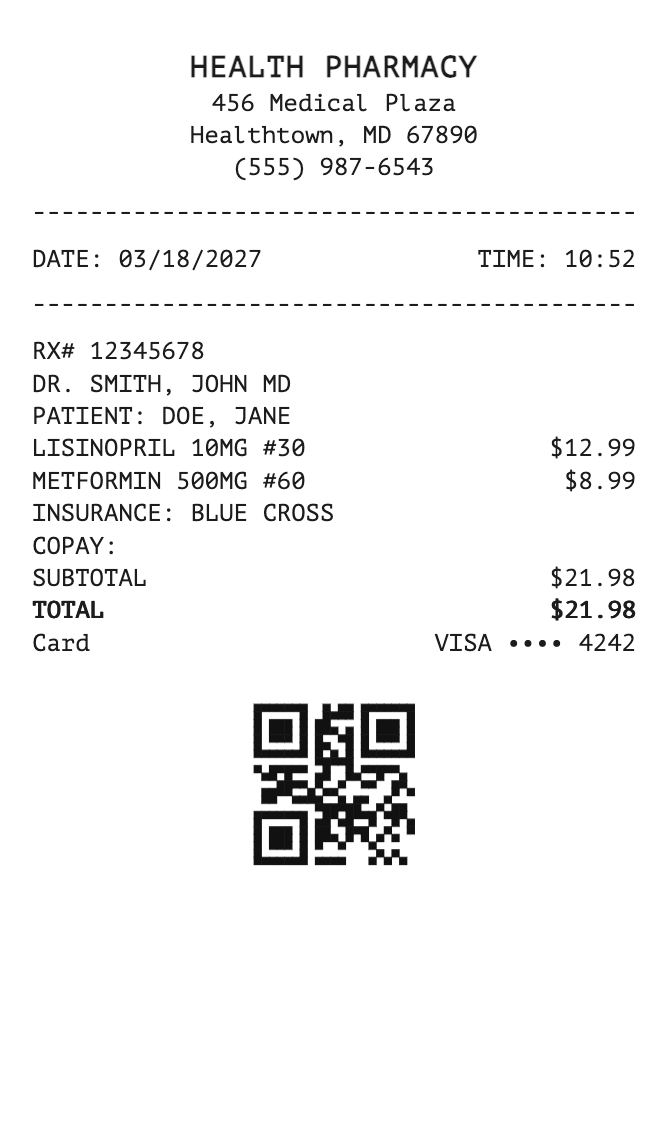
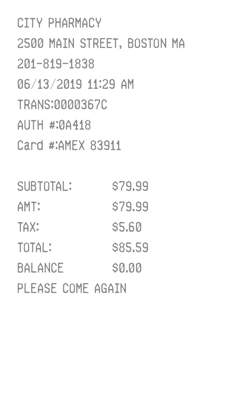
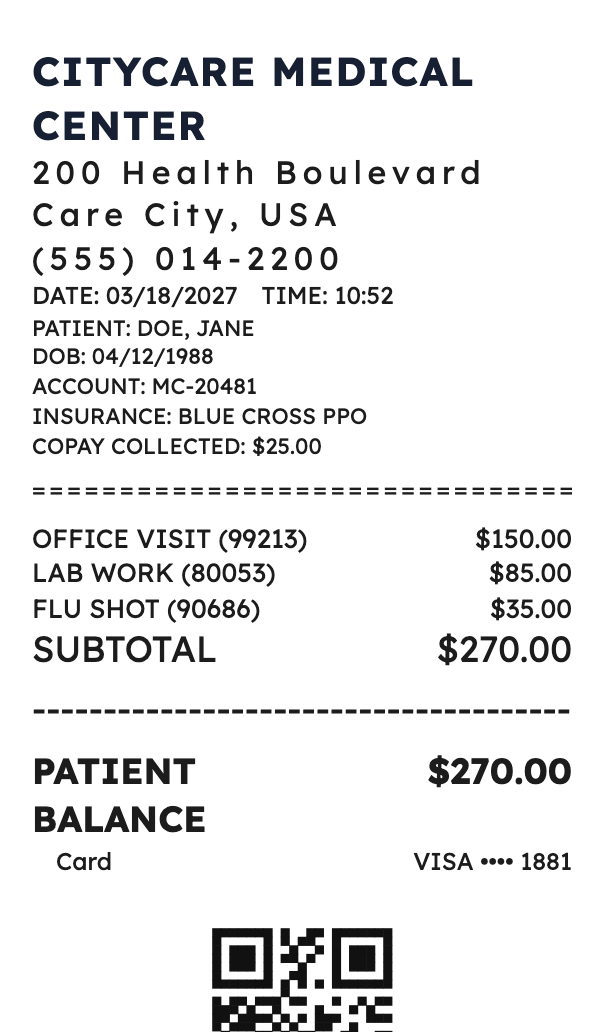
  • Create a receipt for a pharmacy, clinic, dentist, eye exam, or hospital visit. List the service or the items, then the tax and how the patient paid.

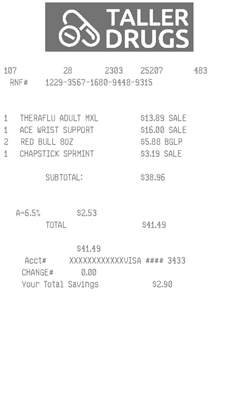
    • Pharmacy item list Store details and an itemized purchase, with tax and payment under the lines.
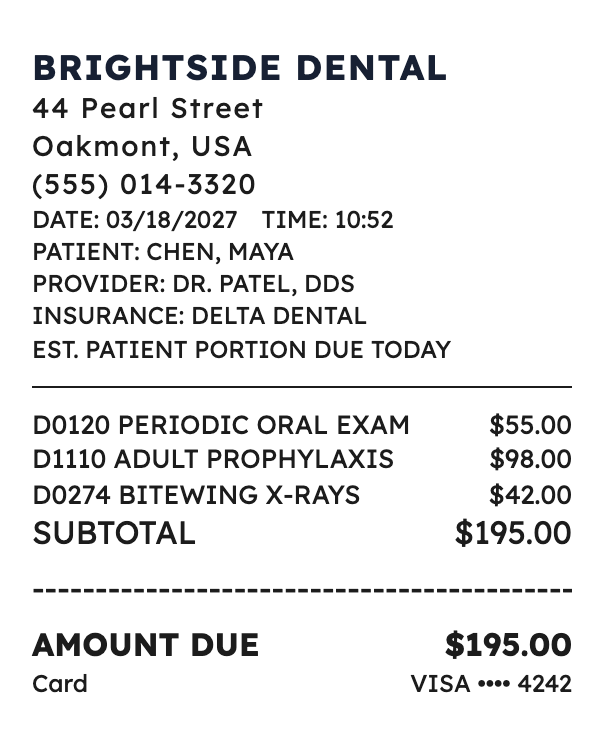
    • A clinic or dental visit The practice name above the visit, with the charge and the payment on the same slip.
    • A hospital or lab bill A longer itemized receipt for a hospital stay, an ambulance, a lab test, or another clinical charge.

    See all health and wellness receipts

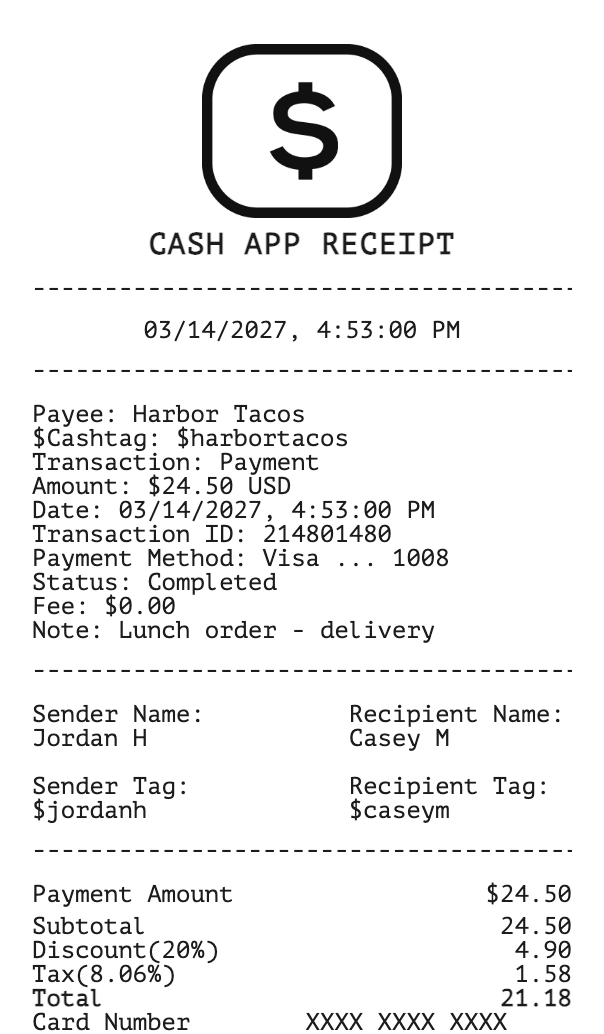
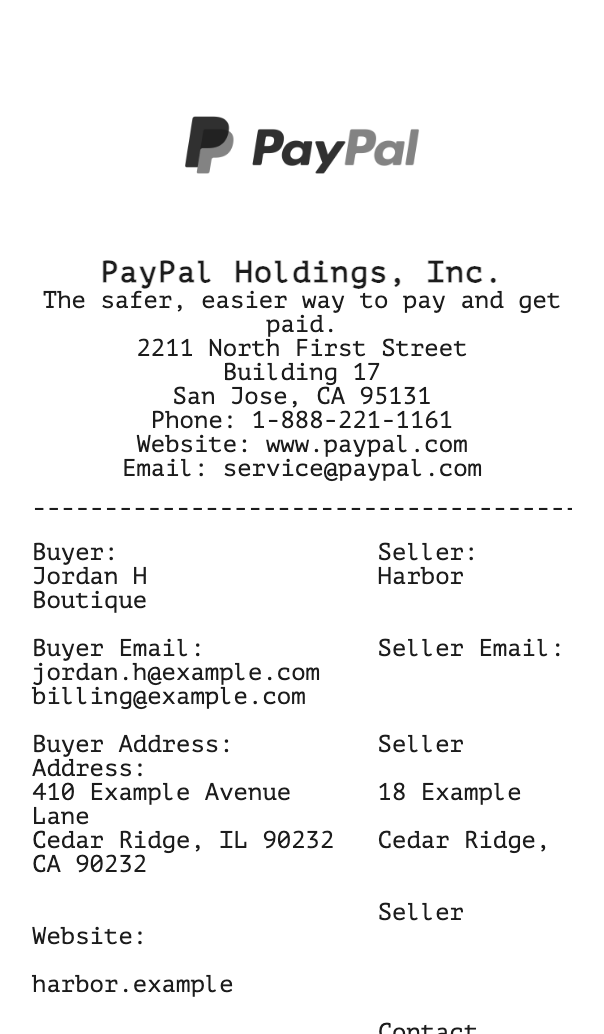
  • Create a finance receipt for a payment, a bank visit, a money transfer, or rent. Show who was paid, the amount, and the account or card line.

    • Payment app or card sale The payer, the amount, and a confirmation line, for a Cash App, card, or similar payment.
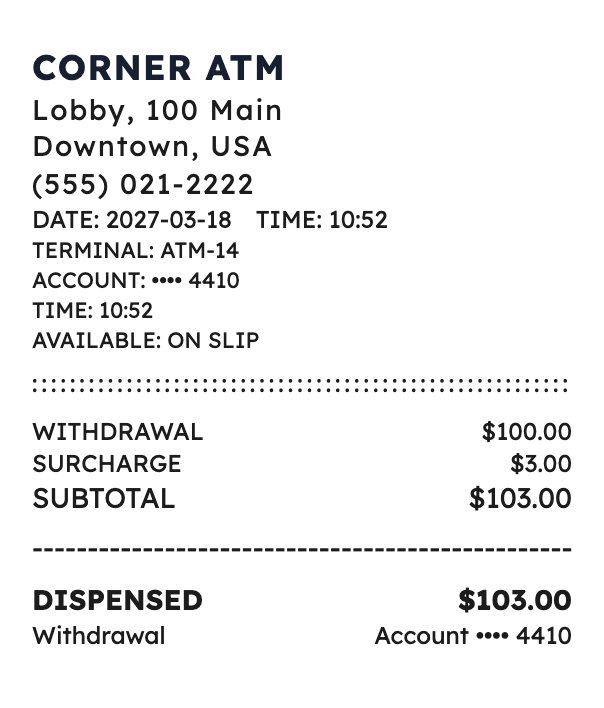
    • ATM or bank slip A withdrawal or a deposit with the terminal, the amount, and a balance line.
    • Rent, bill, or transfer Who was paid, the amount, and the date, for rent, a bill, a money order, or a wire.

    See all finance receipts

  • Create a service receipt for a job, an appointment, or work done at a home or a shop. List the work, the price, and how the customer paid.

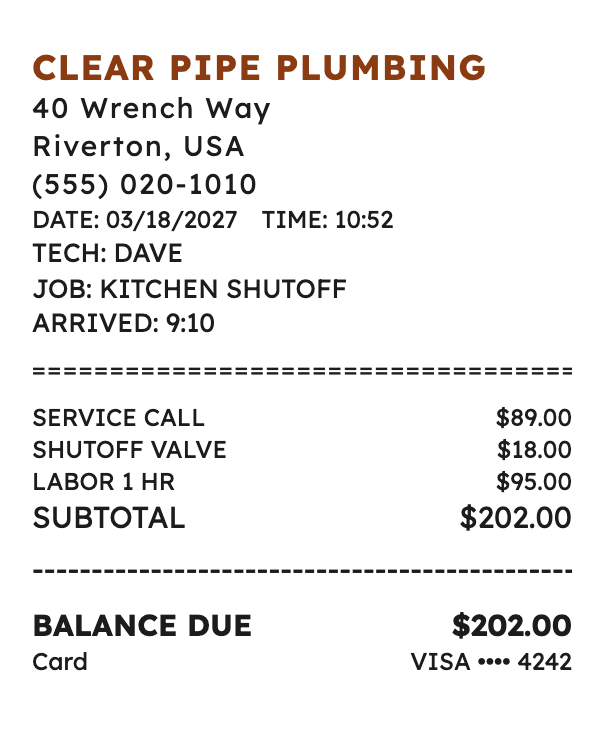
    • A home or shop job Plumbing, cleaning, repair, or lawn work, with the address of the business and the price of the job.
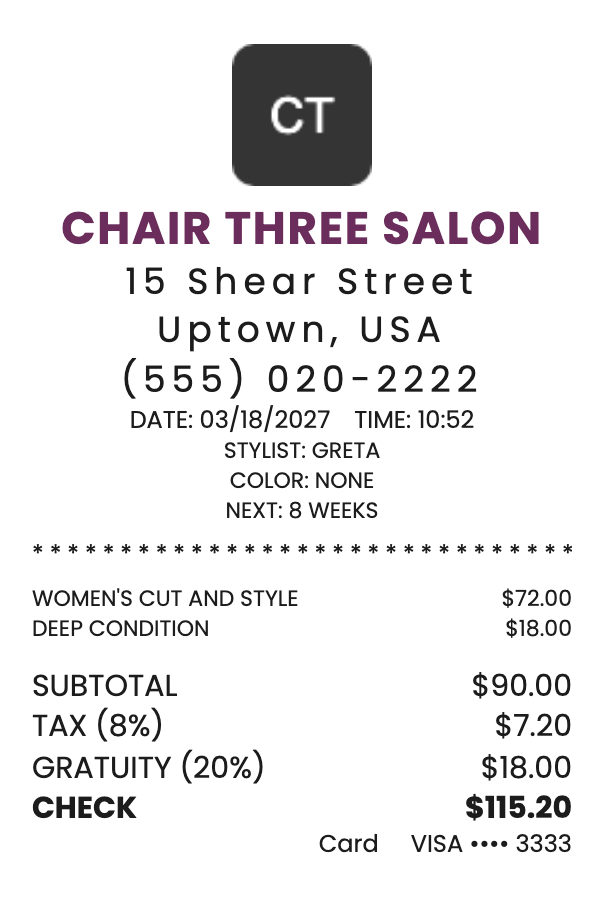
    • An appointment A salon, spa, lesson, or coaching visit, with the service name and the payment under it.
    • A professional charge Legal, accounting, tutoring, or another professional fee, with the amount and how it was paid.

    See all service receipts

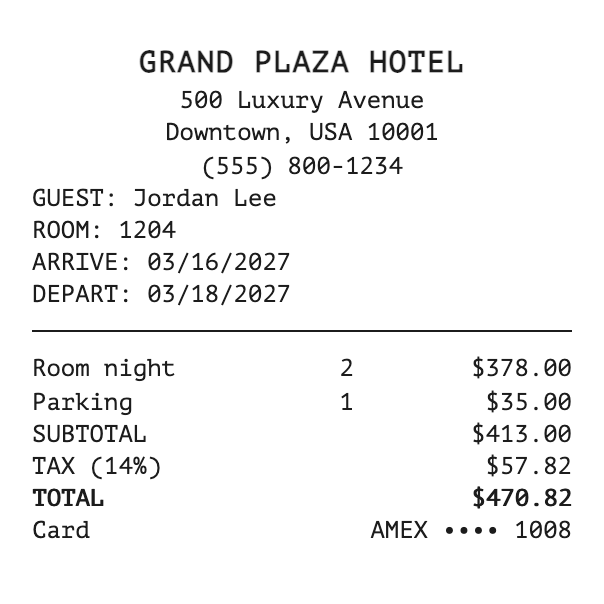
  • Create a travel receipt for a hotel, a flight, a rental car, a train, or another trip charge. Show the place, the date, and the fare.

    • Hotel or rental stay The property or the rental company, the dates, the rate, and the payment.
    • A ticket A flight, train, bus, ferry, or cruise charge, with the carrier and the fare.
    • A trip extra A shuttle, a campground, a hostel, or a travel-agency charge, with the amount and the date.

    See all travel receipts

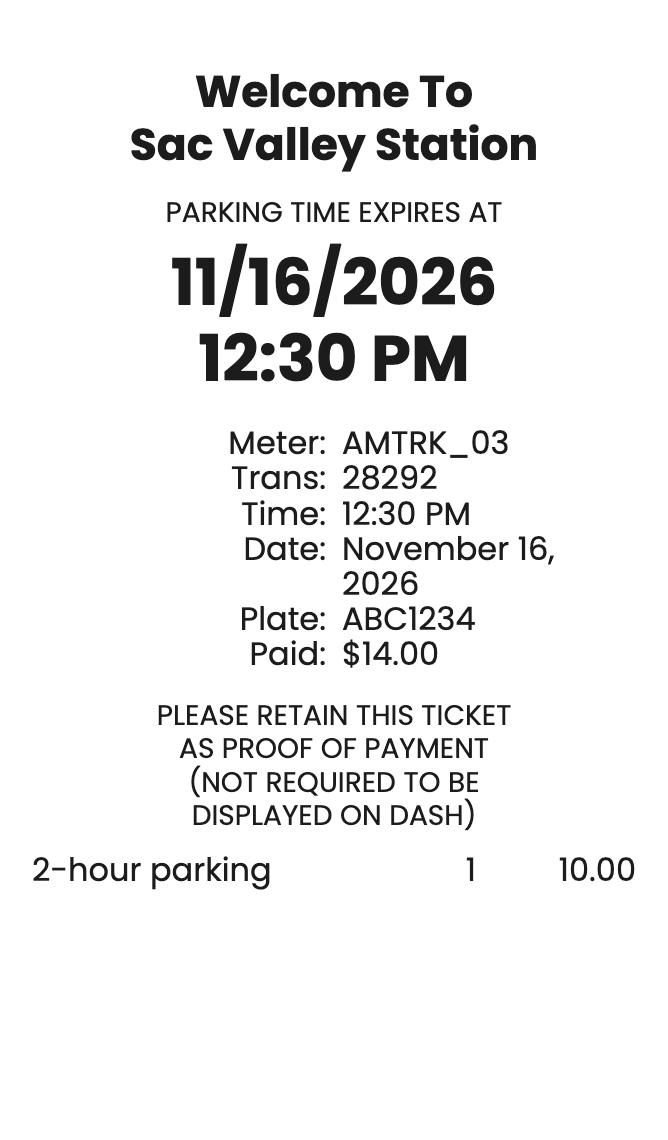
  • Create a parking or toll receipt with the location, the amount, and the payment. Garage layouts also take the start and end of the stay.

    • A lot or valet ticket Location, date, amount, tax, and payment on a short parking slip.
    • Garage stay Start and end times for a multi-hour or multi-day stay, with the amount due.
    • Toll plaza The plaza name, the toll amount, and the payment for a drive-through charge.

    See all parking and toll receipts

  • Create a general receipt when the sale does not need a specialty layout. Add the business, the amount, the tax, and the payment.

    • A simple total Business, amount, tax, and payment. Use it when the customer needs one number, not a list of items.
    • Card sale A credit-card style slip for a charge, with the payment line under the total.
    • Your logo The same sale details with room for a logo, for a receipt that carries the business mark.

    See all general receipts

Make a receipt free, or join for a clean copy

Start right away, with no signup. Free templates download without a watermark. Standard and Pro memberships remove the watermark from the templates in that plan. See membership plans.

Common questions

Is it free to create a receipt online?

Yes. You can create a receipt without an account. Free templates are watermark-free and ready to download. Standard and Pro memberships remove the watermark from the templates included in that plan.

Can I customize a digital receipt?

Yes. Change the font, add a logo, and edit the business name, address, date, items, prices, tax, and payment line. For a grocery, health, or other itemized receipt, enter the quantity, item name, and price for each line, then add another item. MakeReceipt calculates the subtotal, tax, and total. You can also add a signature line, a tip line, a cardholder name, and a short note. Dollars, euros, pounds, and other currencies are supported.

Is it legal to make a receipt with this tool?

MakeReceipt formats the details you provide. Use it for your own sales, records, samples, and replacements you are allowed to recreate. Do not submit a generated receipt as proof of a purchase that did not happen. You are responsible for how the document is used.

What happens to the information I enter?

The business and purchase details you type are used to draw the receipt. If you create an account, your email and payment details are used to run that membership. Receipt files and the form details used to create them are deleted after 60 days.

Can I print the receipt at home?

Yes. Download the receipt and print it on a regular printer. A short printing guide is linked below.