Drag-and-drop Coinstar Receipt
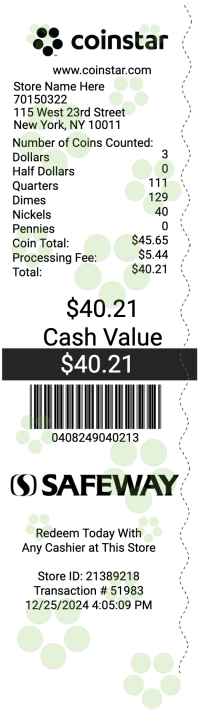
Arrange the coin count, the processing fee, and the cash value on the Coinstar Receipt. Each section moves, and the Coinstar Receipt keeps the order you set.

Finance
 Click to begin editing this receipt
Generate a Coinstar receipt with the coin count, the processing fee, and the cash value. Useful for coin-count records.
Generate this receipt3 free tries each day.
Generate a Coinstar receipt with the coin count, the processing fee, and the cash value. Useful for coin-count records. Fonts, spacing, and section order are yours to change, and the Coinstar Receipt preview updates as you type.
Arrange the coin count, the processing fee, and the cash value on the Coinstar Receipt. Each section moves, and the Coinstar Receipt keeps the order you set.
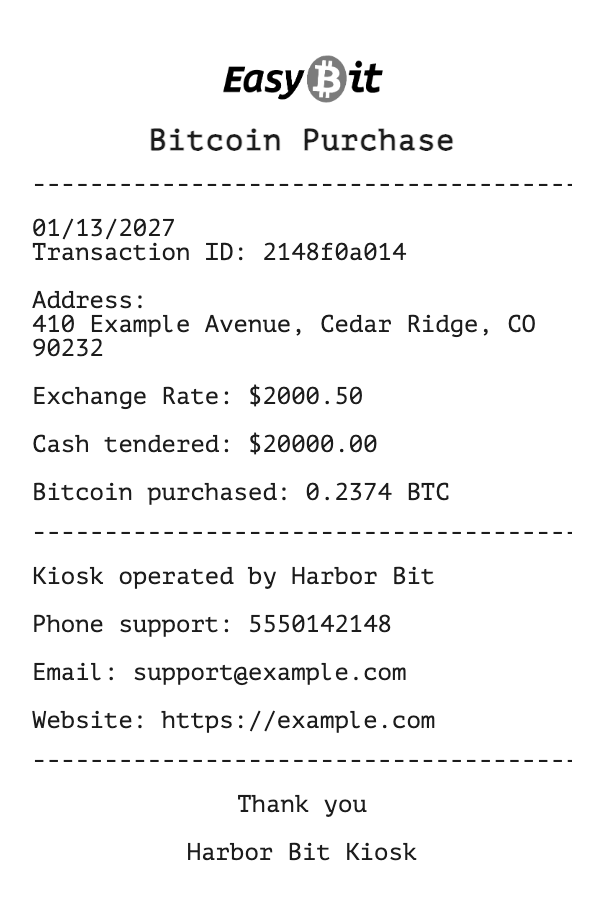
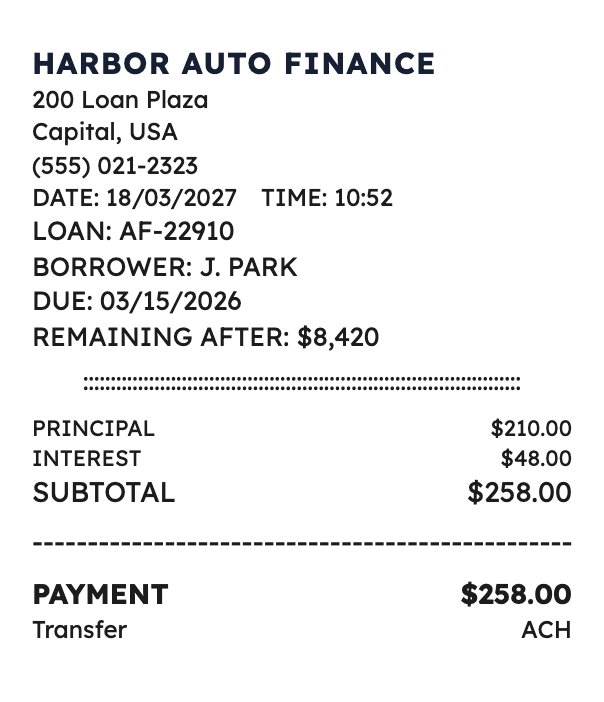
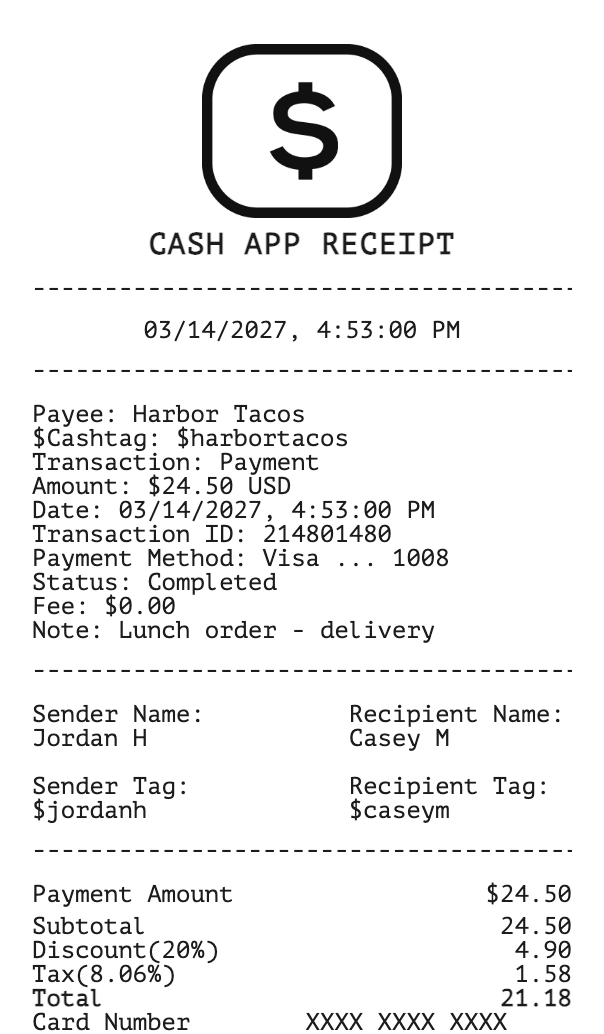
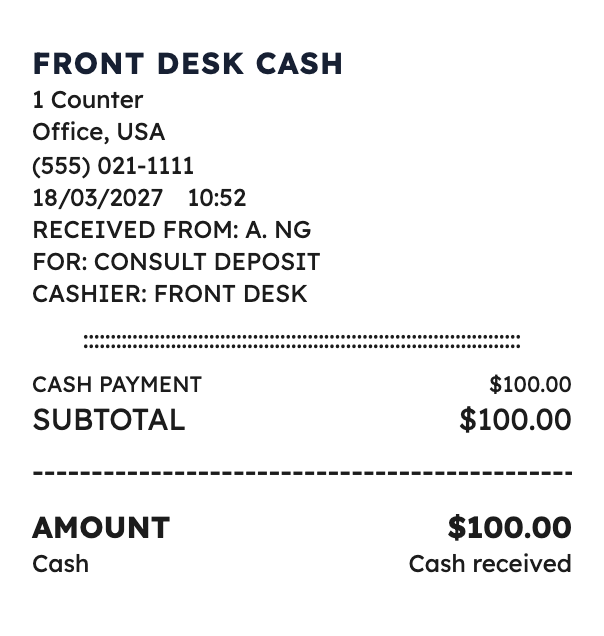
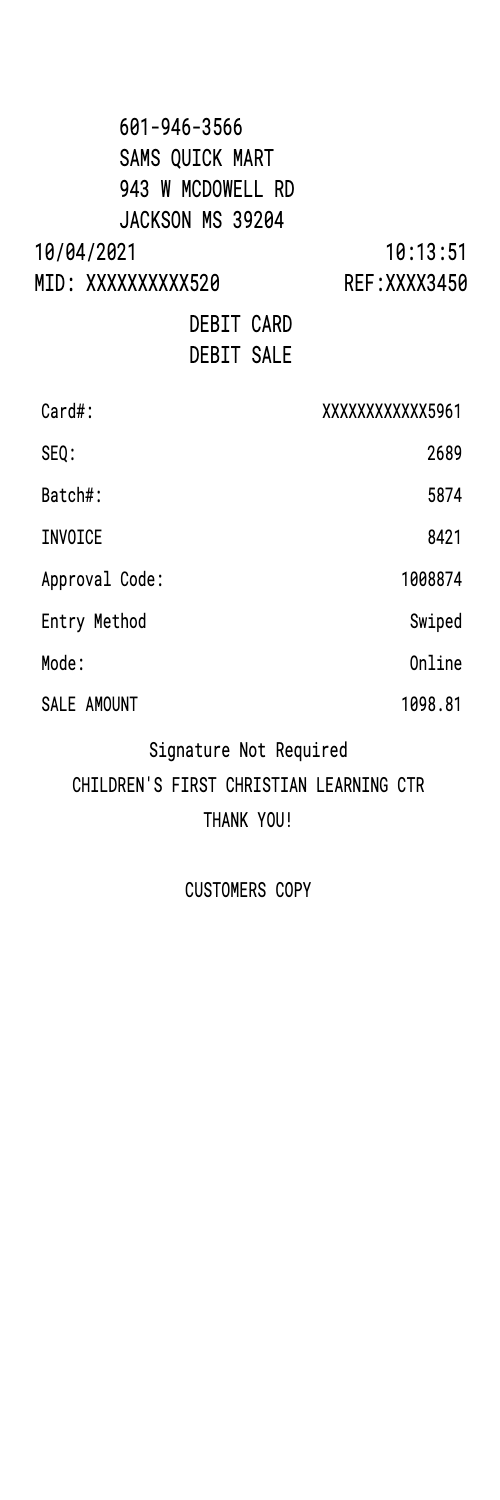
The picture on this page is the starting Coinstar Receipt. Open it in the builder to change a name, a price, or a note, then download that receipt.
Save the Coinstar Receipt as a PNG, or as a PDF of that same picture.
Choose the font, text size, color, alignment, indent, and dividers for each part of the Coinstar Receipt.
Add a barcode or QR code when the Coinstar Receipt needs a scannable number.
Set the Coinstar Receipt to a narrow, standard, or wide roll.
This one is Finance.
One nickel is $0.05. The processing fee is $0.01, so the cash value stays $0.04.
This is a PRO template. A current PRO or Enterprise membership removes the membership watermark. Standard membership and guests still see it.