
Generic Receipt Templates
Create a general receipt when the sale does not need a specialty layout. Add the business, the amount, the tax, and the payment. Choose a template below to begin.
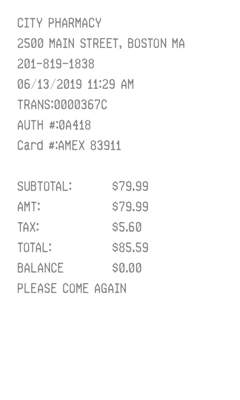
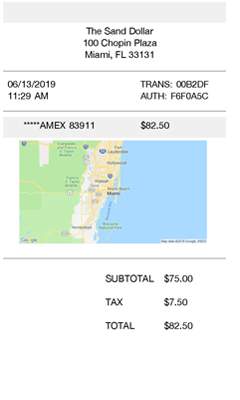
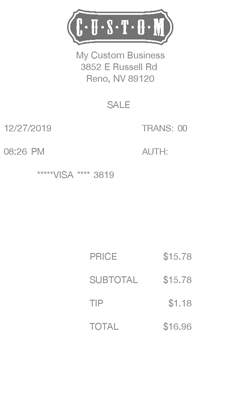
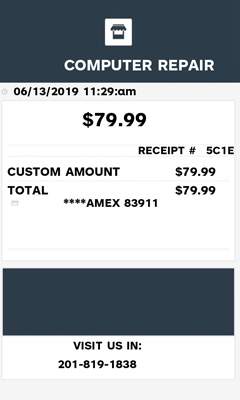
Receipts for any sale
Some sales just need a clear receipt: who was paid, how much, and how. These templates stay flexible so a service, an online charge, or a card sale can use the same kind of slip.
-
Who was paid
Enter the business name, address, and city. A logo layout puts your mark above the amount.
-
The amount
Enter one total for the transaction, then the tax rate if the sale has tax.
-
Tax if there is any
Choose tax, VAT, GST, or no tax. The receipt shows the tax and the total.
-
Card or cash
Record Visa, Mastercard, cash, or another payment with the date and time.
General receipt layouts
-
A simple total
Business, amount, tax, and payment. Use it when the customer needs one number, not a list of items.
-
Card sale
A credit-card style slip for a charge, with the payment line under the total.
-
Your logo
The same sale details with room for a logo, for a receipt that carries the business mark.
Also make Sales receipts, Retail receipts, or Restaurant receipts.
Get Started to make receipts without the watermark on the templates in your plan.