
Grocery Receipt Templates
Create a grocery receipt with each product, a quantity, and a price. Add the market name, the tax, and how the customer paid. Choose a template below to begin.
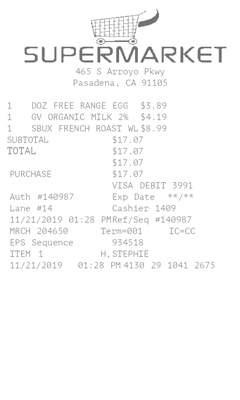
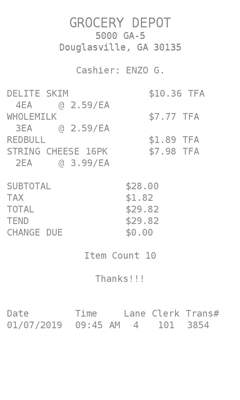
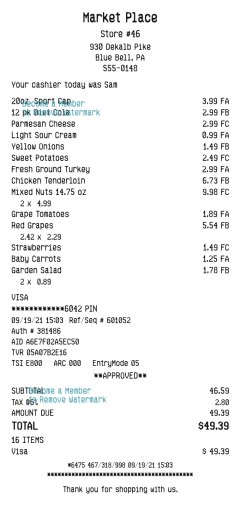
Receipts for a market
A grocery or market needs an itemized receipt when a customer checks out. These templates list the products, then the tax and the total.
-
Products and quantities
Each line takes a quantity, an item name, and a price — produce, packaged goods, or anything else on the order.
-
The market
Add the store name, address, and phone. Logo layouts put the market’s mark above the list.
-
Tax and the basket total
MakeReceipt adds the item lines, then applies the tax rate you enter and shows the total.
-
Payment and a note
Record cash or card. Some layouts also take a short custom line under the products.
Grocery receipt layouts
-
Market item list
A checkout-style list of products with quantities, prices, tax, and the total.
-
Logo at the top
The same itemized basket with the market logo above the products.
-
A short grocery slip
A compact itemized receipt for a smaller order, still with tax and payment.
Also make Pharmacy receipts, Retail receipts, or Restaurant receipts.
Get Started to make receipts without the watermark on the templates in your plan.