Drag-and-drop AT & T Receipt
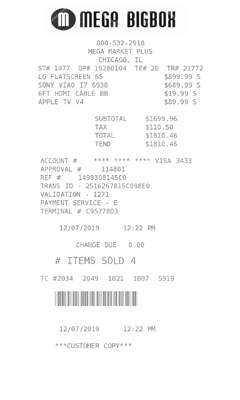
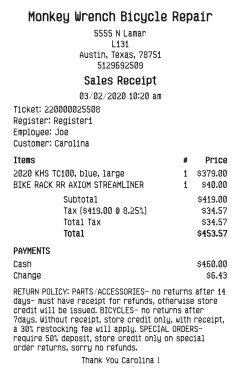
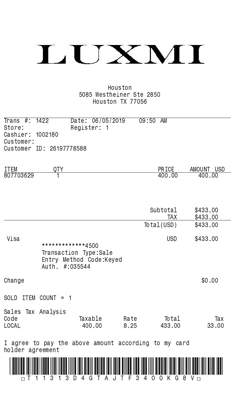
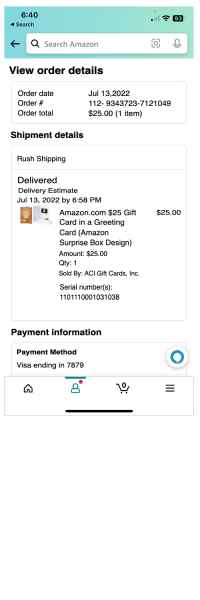
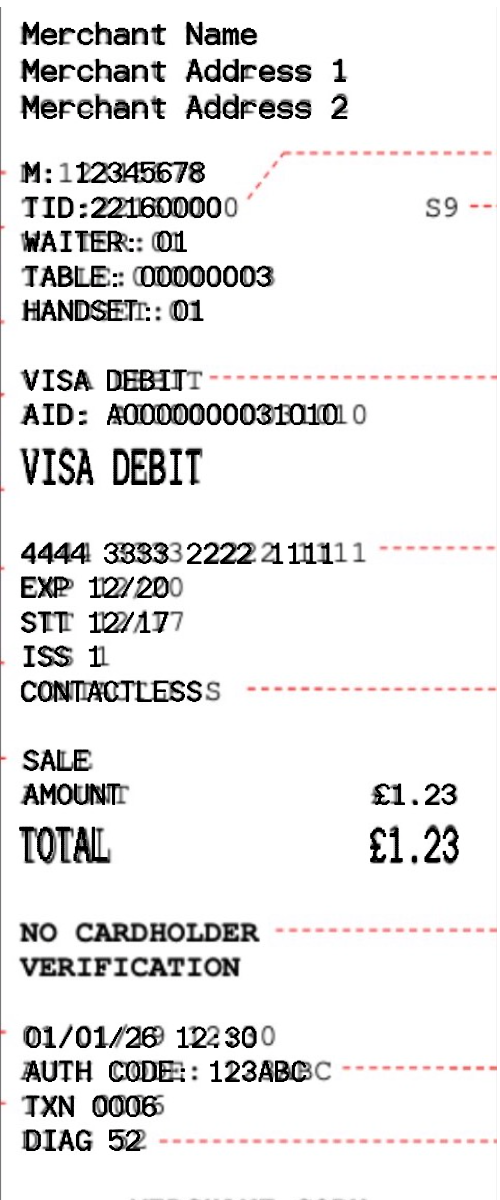
Arrange the printed lines from this slip on the AT & T Receipt. Each section moves, and the AT & T Receipt keeps the order you set.

Retail
 Click to begin editing this receipt
Generate a AT & T Receipt with the printed lines from this slip. Useful for purchase records.
Generate this receipt3 free tries each day.
Generate a AT & T Receipt with the printed lines from this slip. Useful for purchase records. Fonts, spacing, and section order are yours to change, and the AT & T Receipt preview updates as you type.
Arrange the printed lines from this slip on the AT & T Receipt. Each section moves, and the AT & T Receipt keeps the order you set.
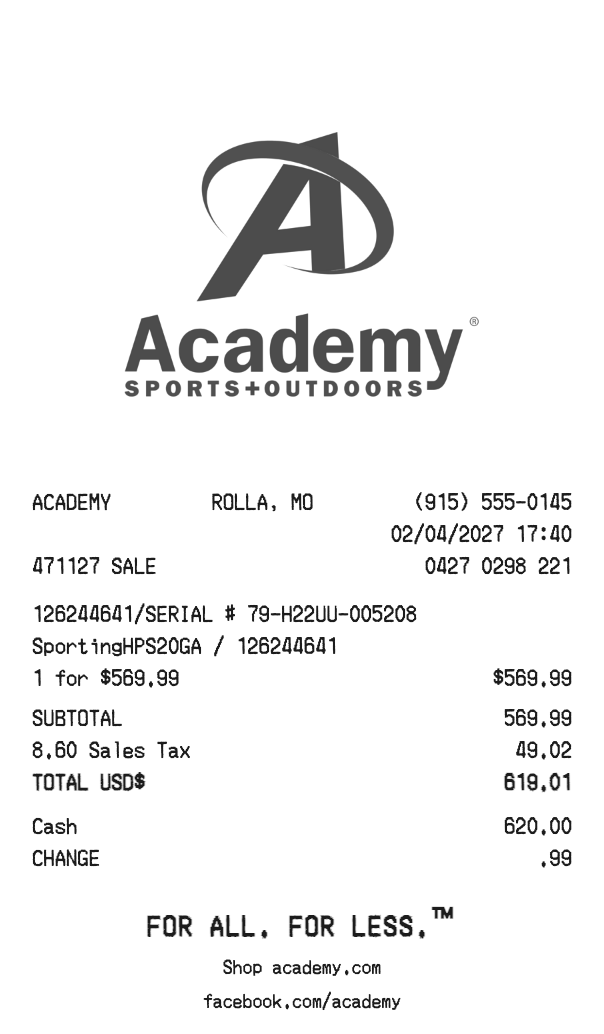
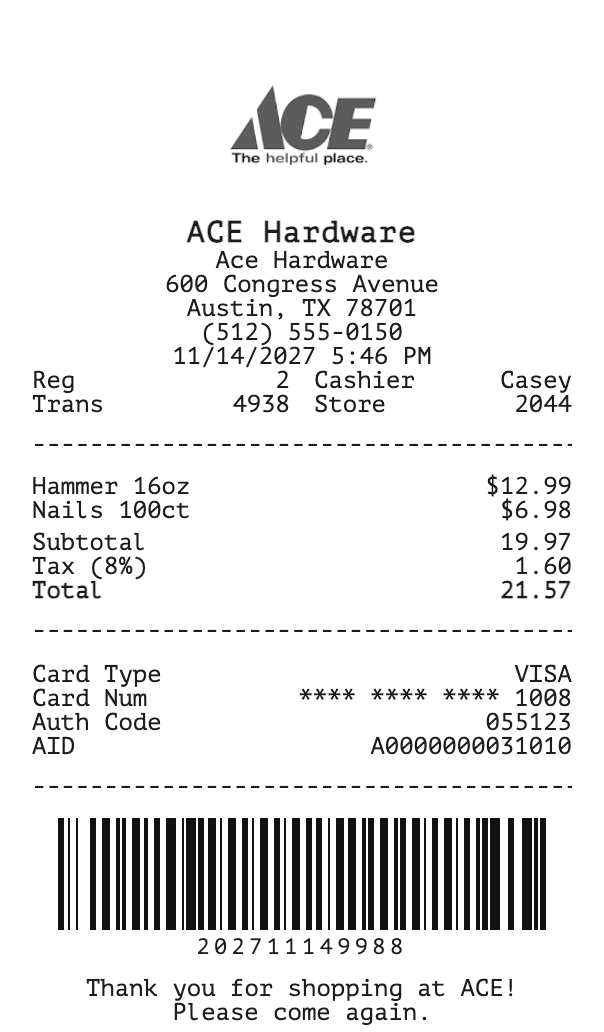
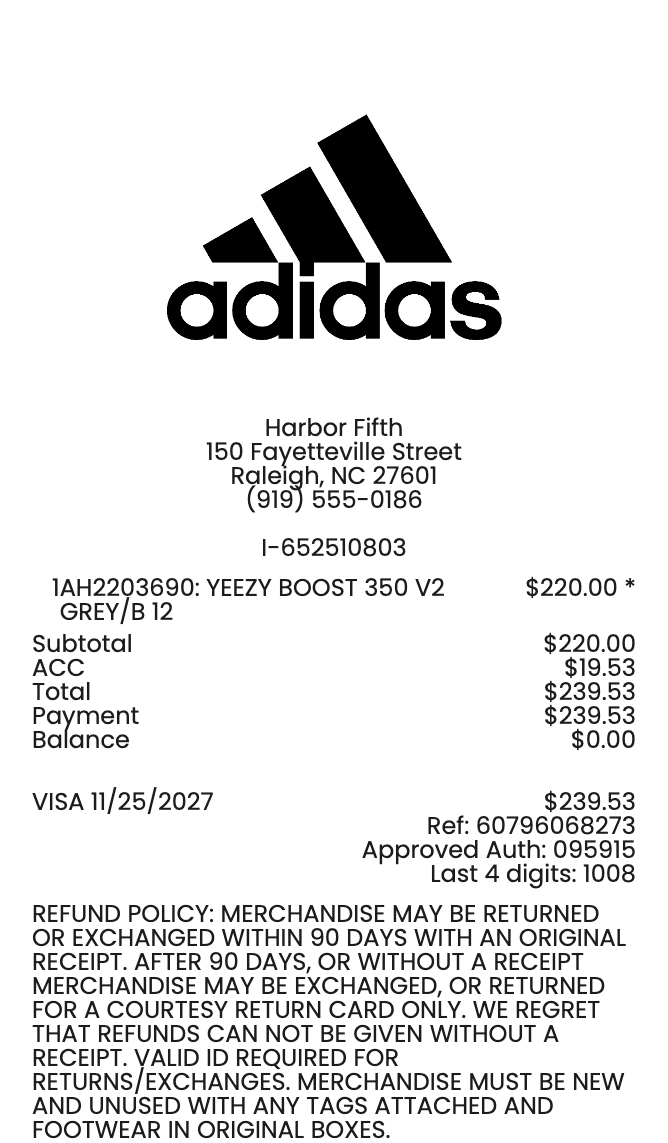
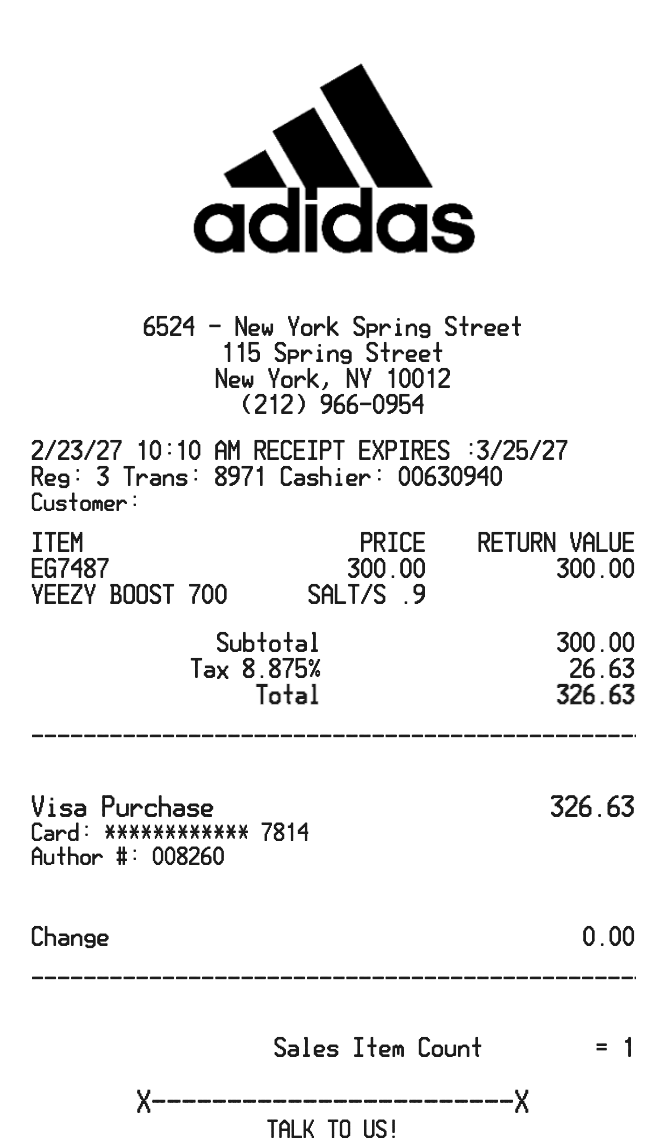
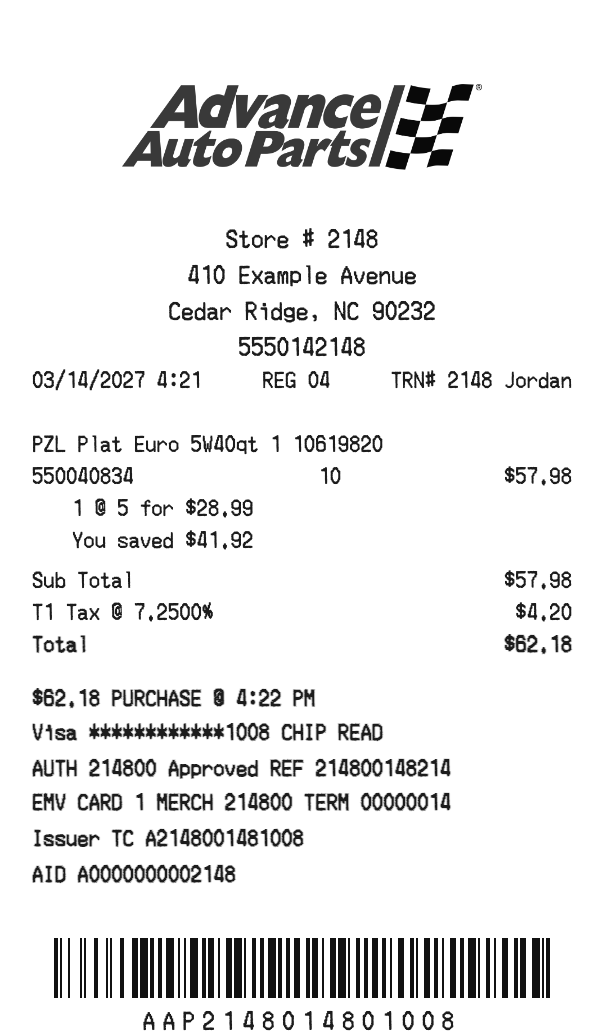
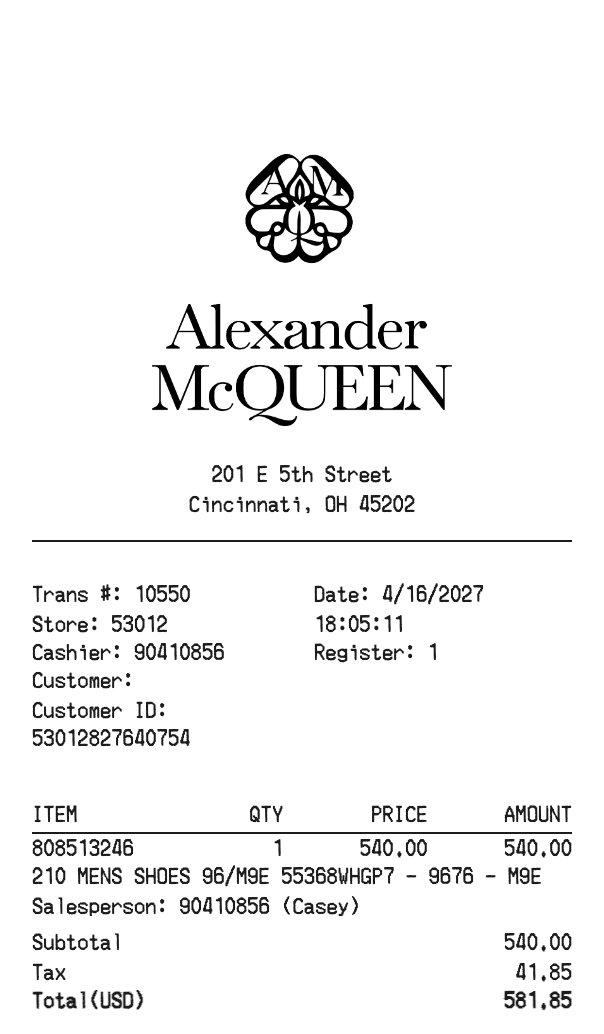
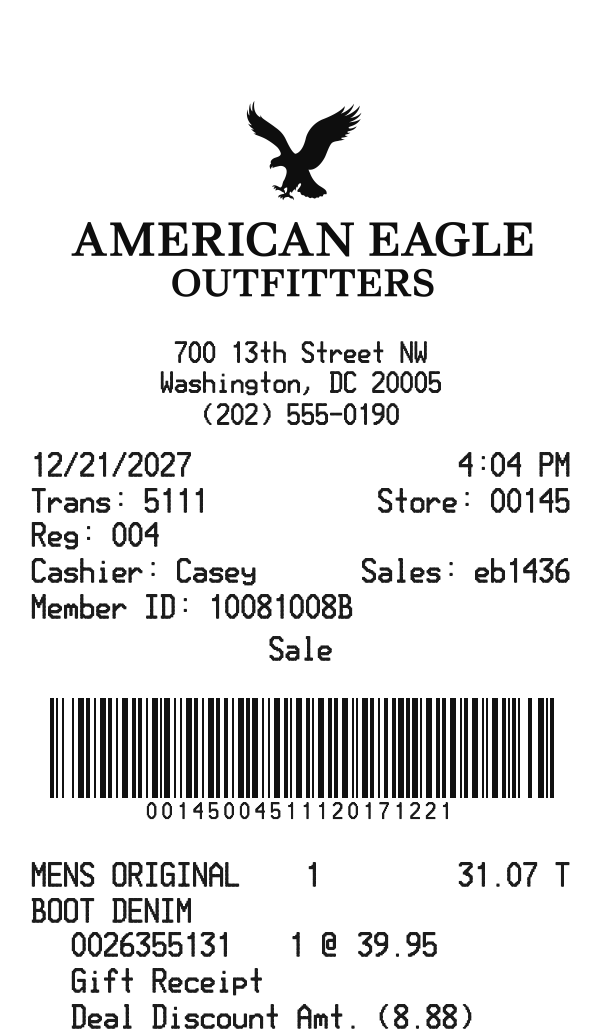
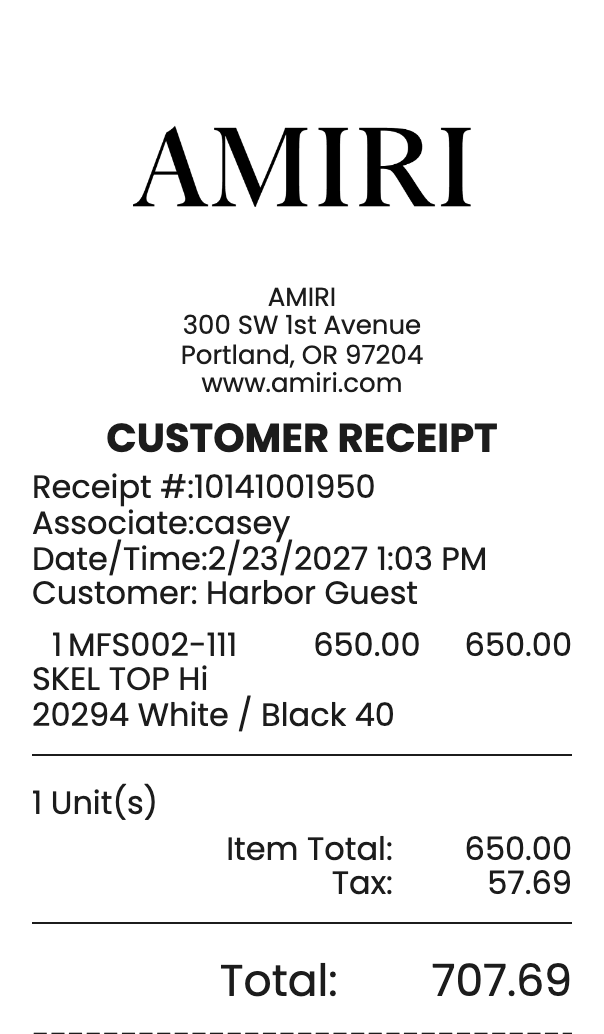
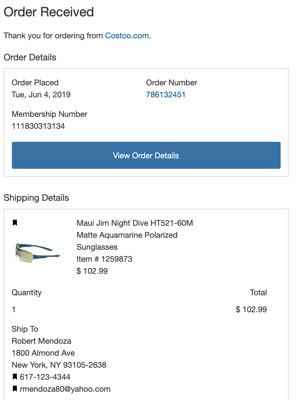
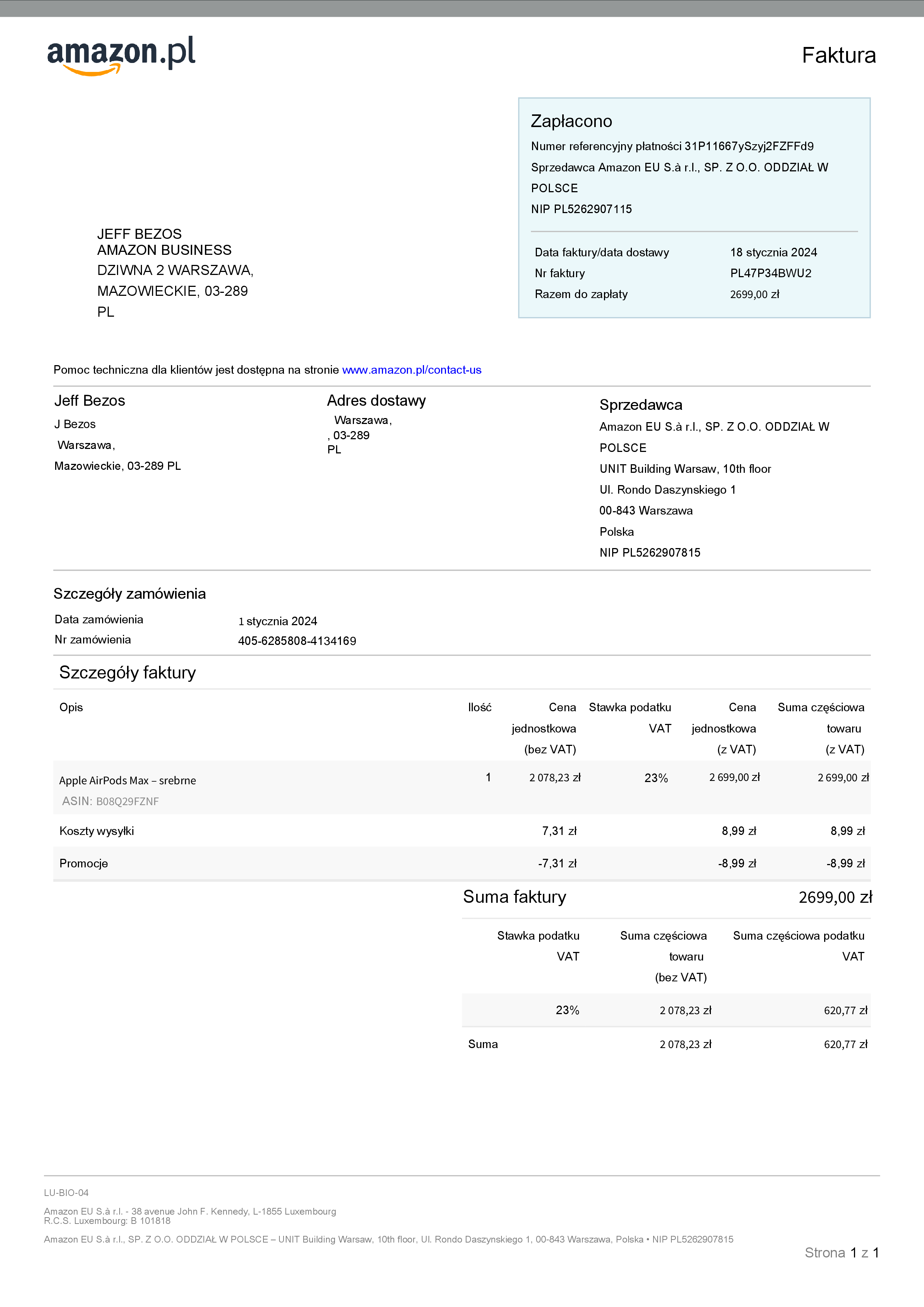
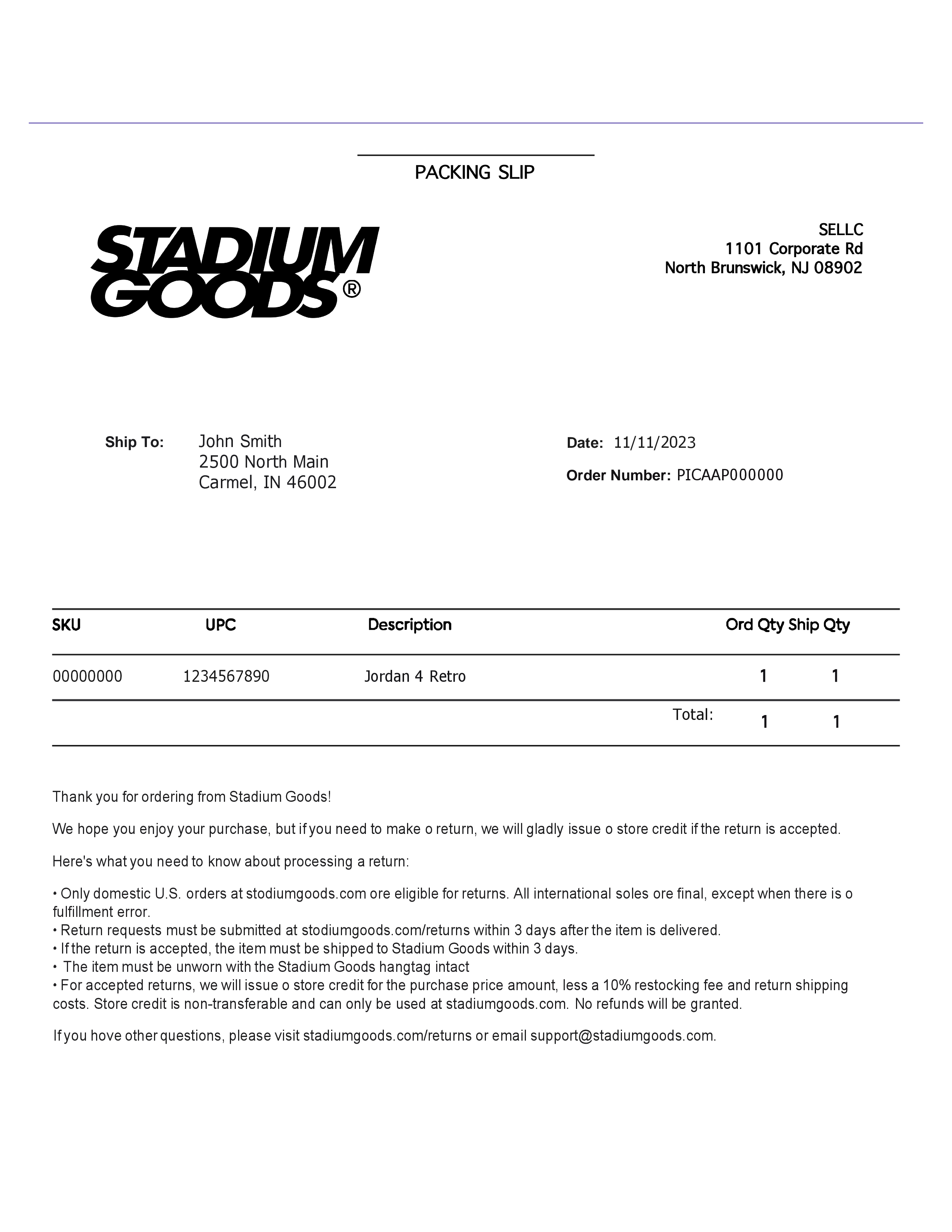
The picture on this page is the starting AT & T Receipt. Open it in the builder to change a name, a price, or a note, then download that receipt.
Save the AT & T Receipt as a PNG, or as a PDF of that same picture.
Choose the font, text size, color, alignment, indent, and dividers for each part of the AT & T Receipt.
Add a barcode or QR code when the AT & T Receipt needs a scannable number.
Set the AT & T Receipt to a narrow, standard, or wide roll.
The printed prices stay on the slip.
This is a PRO template. A current PRO or Enterprise membership removes the membership watermark. Standard membership and guests still see it.