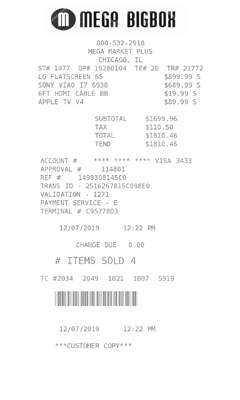
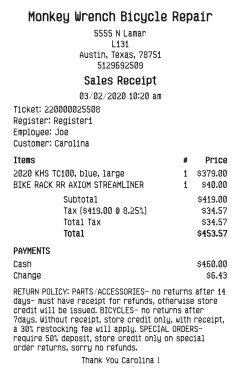
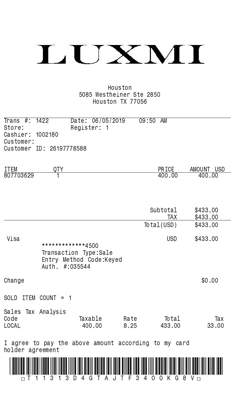
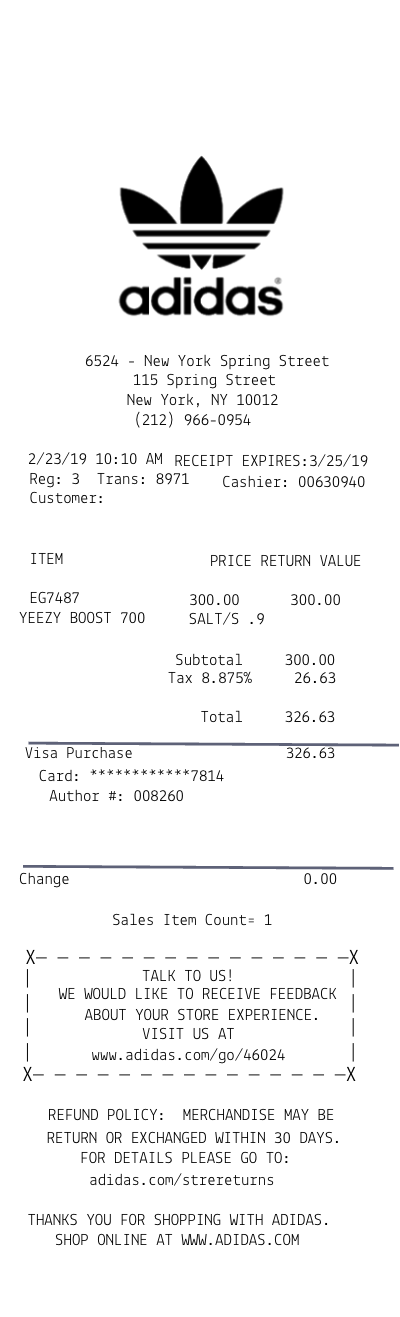
Drag-and-drop Bloomingdales Receipt Template
Arrange our receipt generator on the Bloomingdales Receipt Template. Each section moves, and the Bloomingdales Receipt Template keeps the order you set.

Retail
 Click to begin editing this receipt
Create a Bloomingdale's receipt with our receipt generator. Select the Bloomingdale's receipt template from the template library. Edit and customize the receipt. Instantly save and download your customized receipt.
Generate this receipt3 free tries each day.
Create a Bloomingdale's receipt with our receipt generator. Select the Bloomingdale's receipt template from the template library. Edit and customize the receipt. Instantly save and download your customized receipt. Fonts, spacing, and section order are yours to change, and the Bloomingdales Receipt Template preview updates as you type.
Arrange our receipt generator on the Bloomingdales Receipt Template. Each section moves, and the Bloomingdales Receipt Template keeps the order you set.
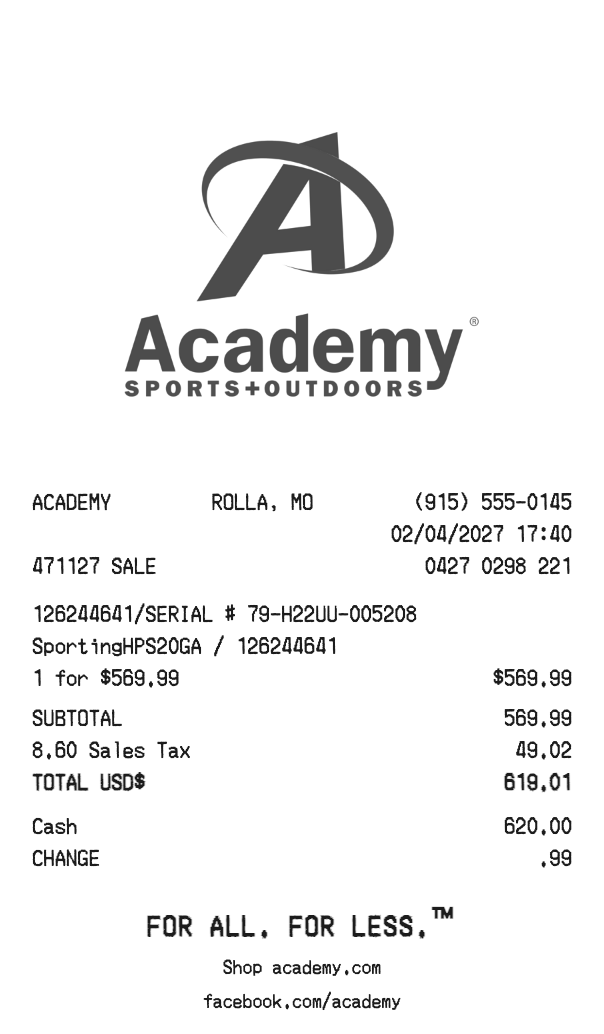
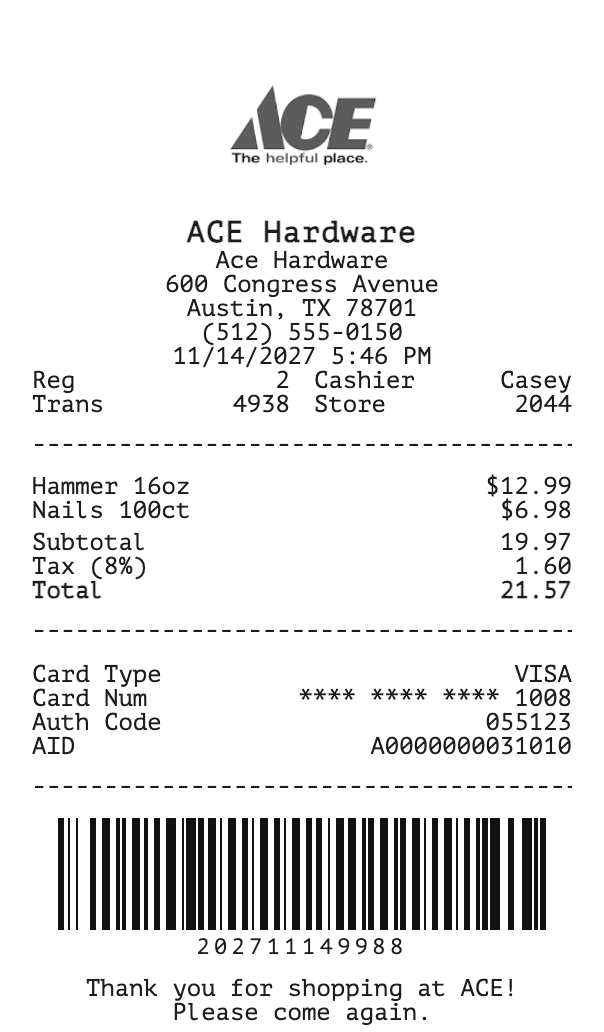
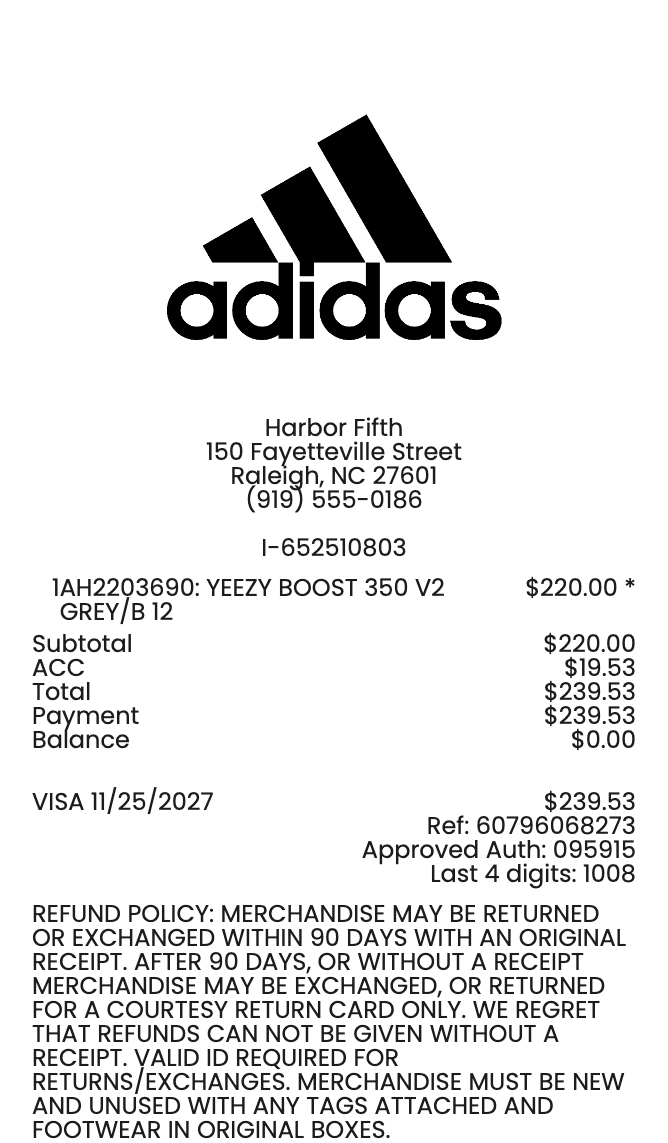
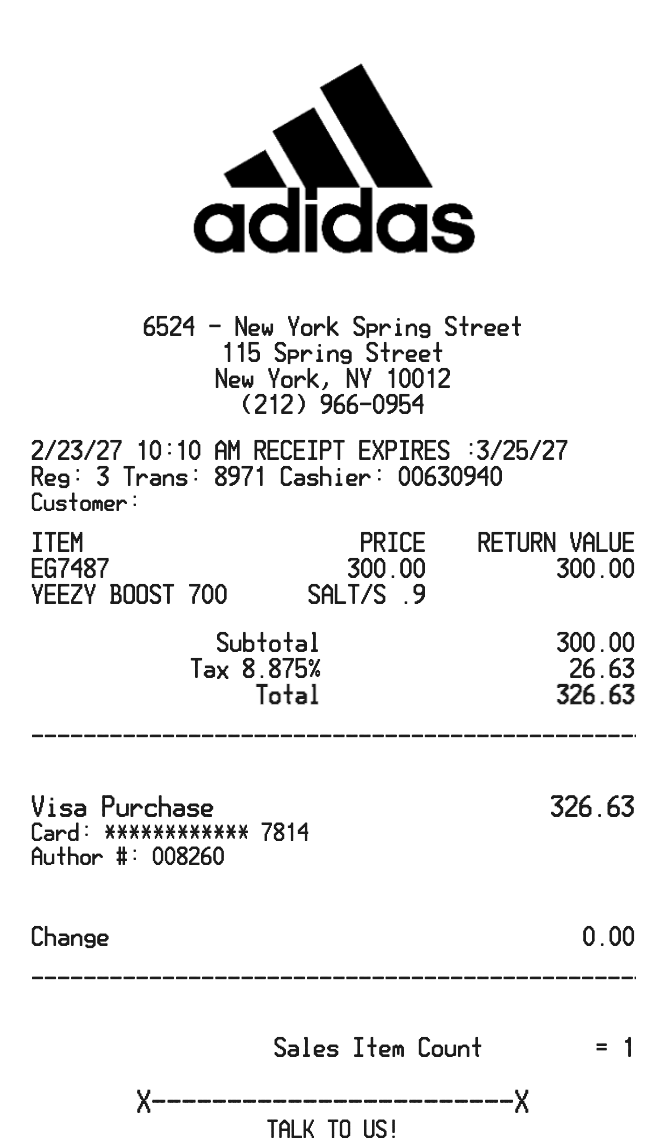
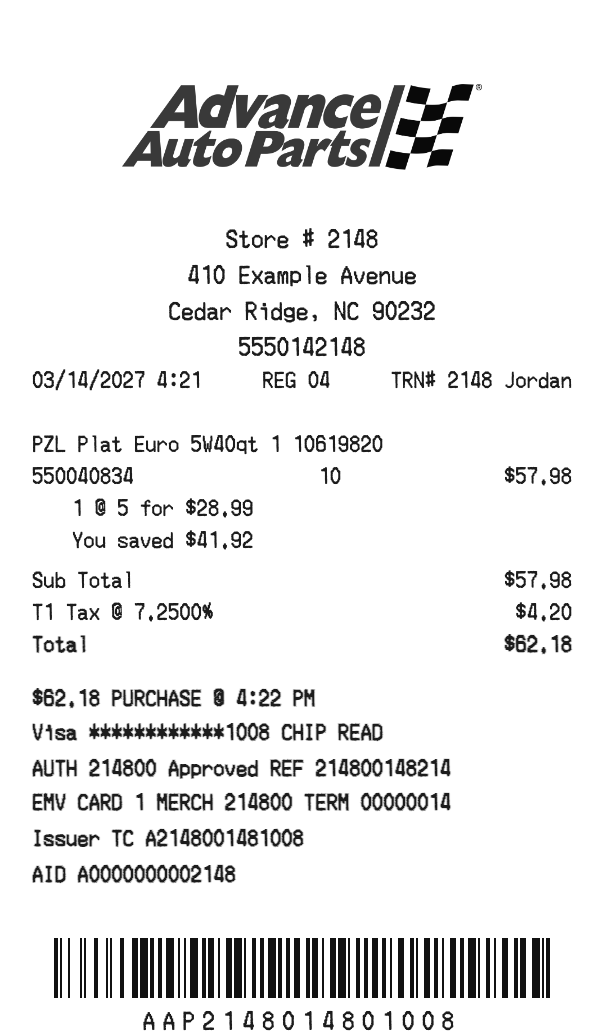
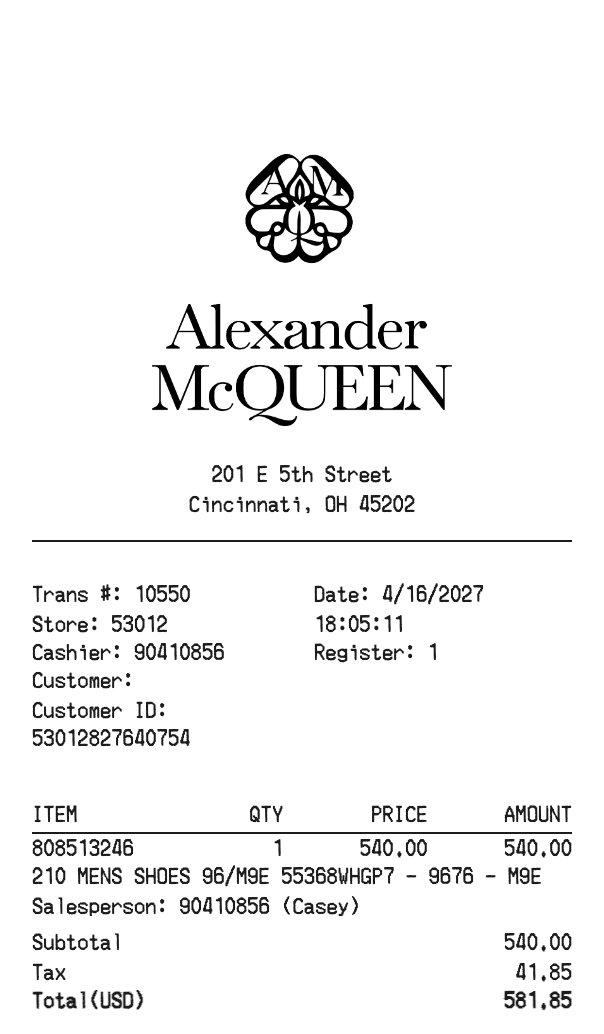
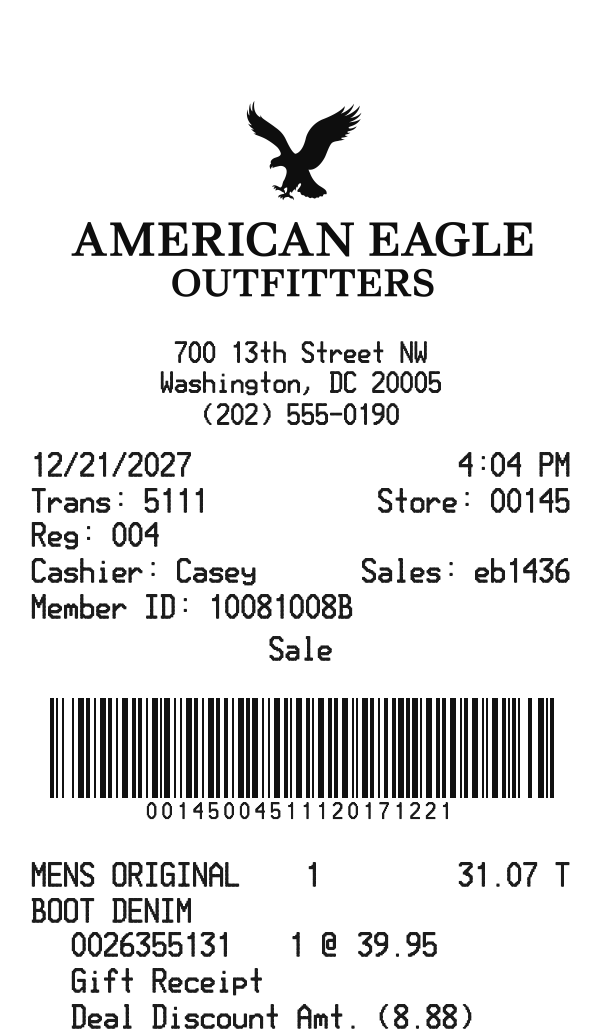
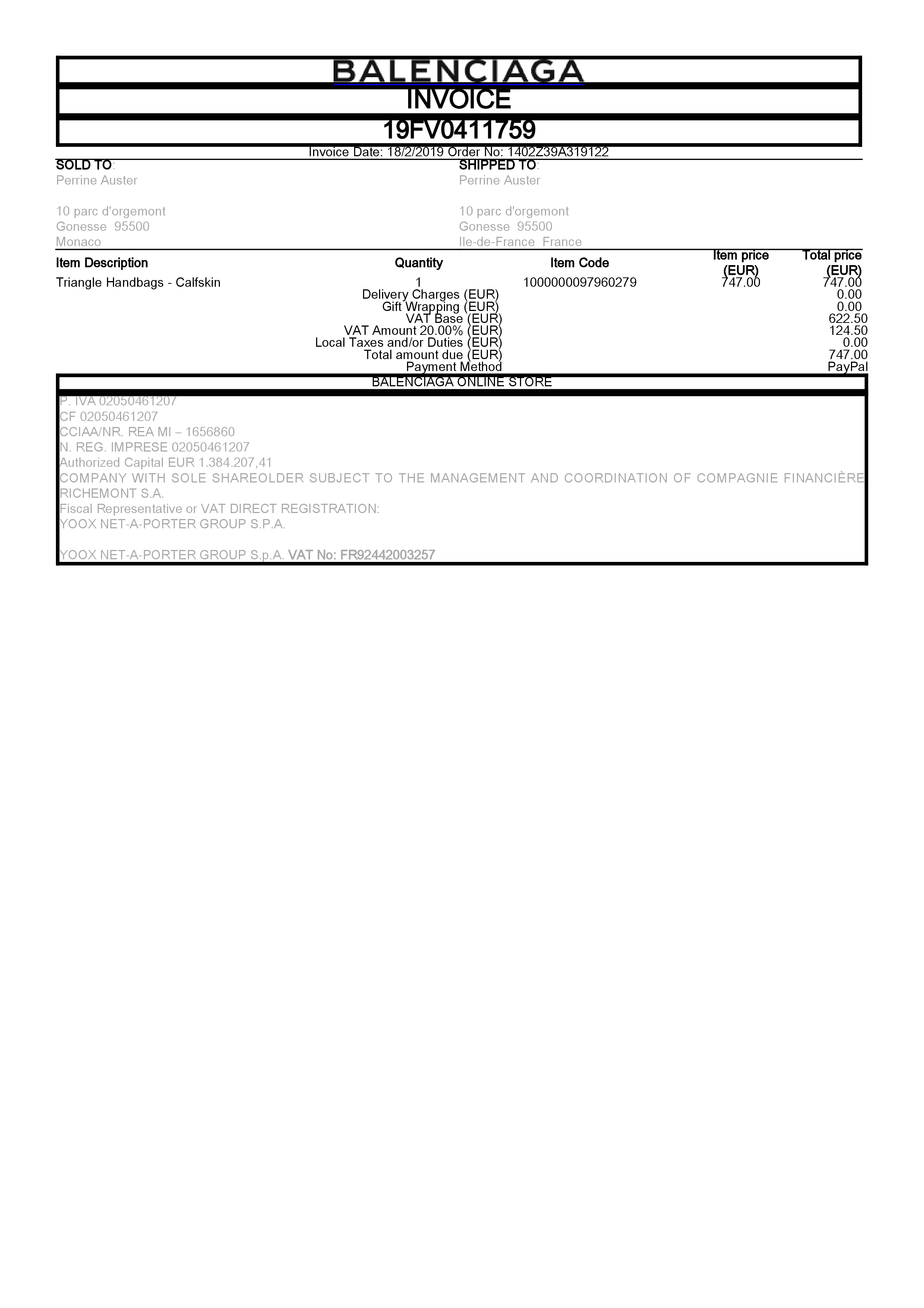
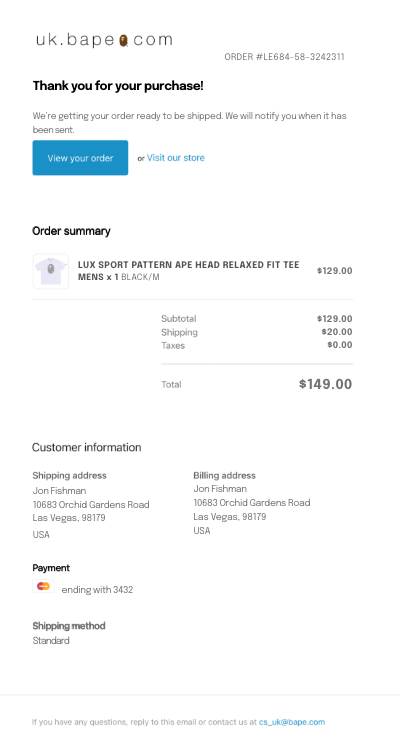
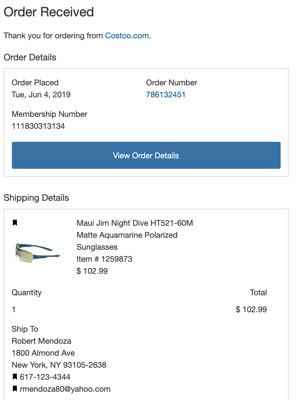
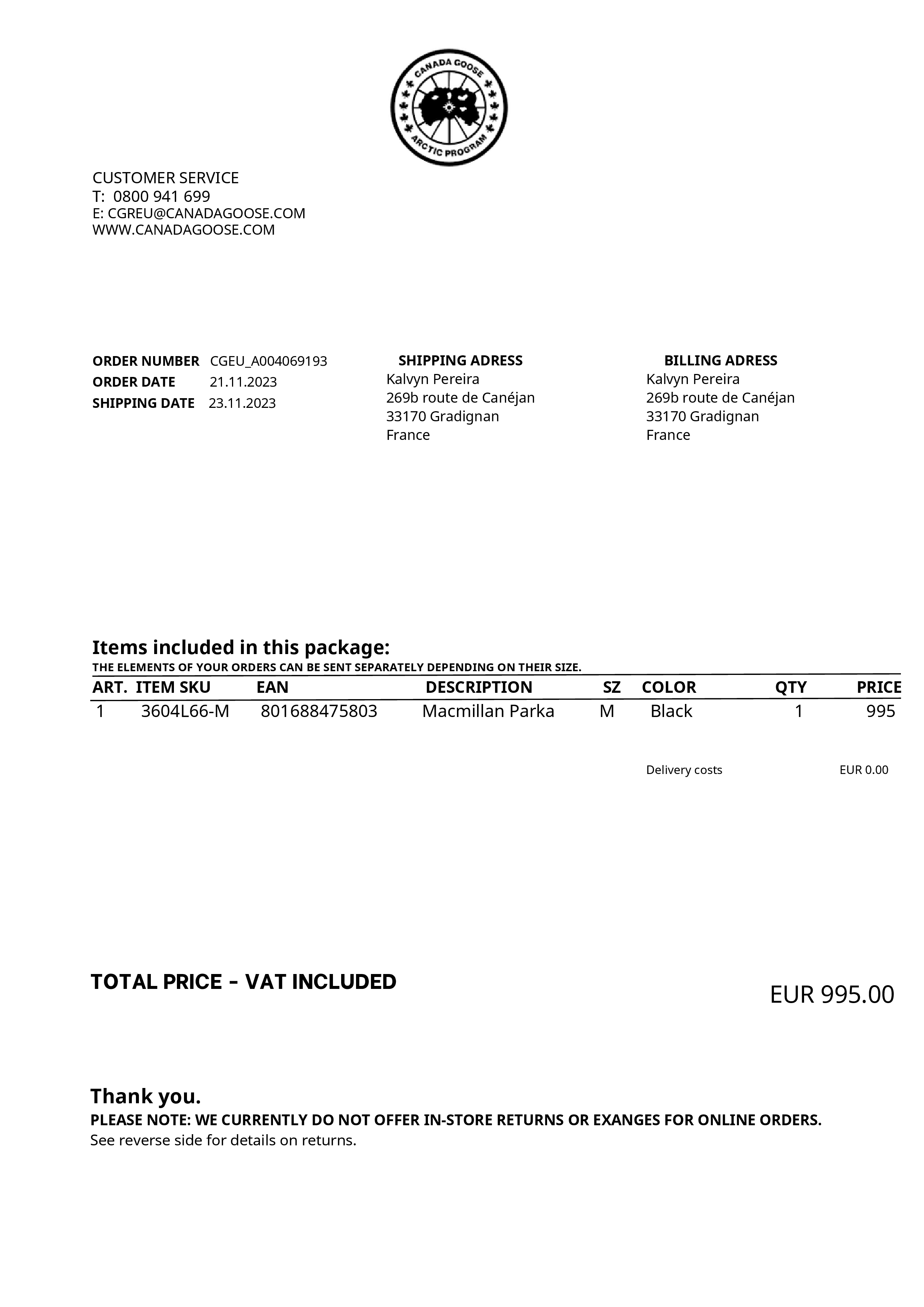
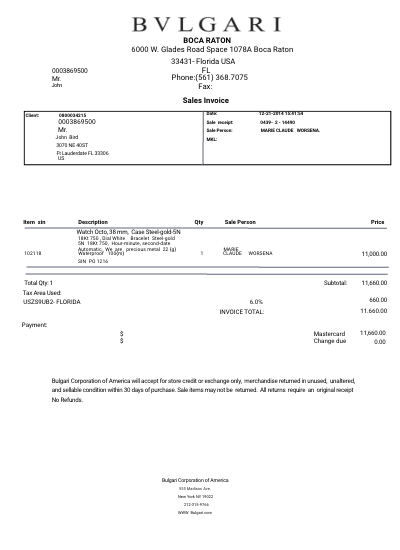
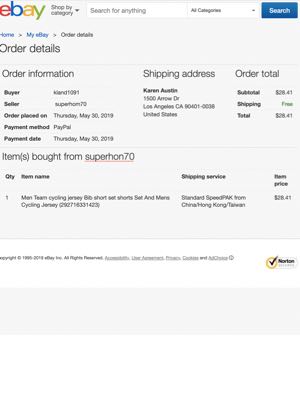
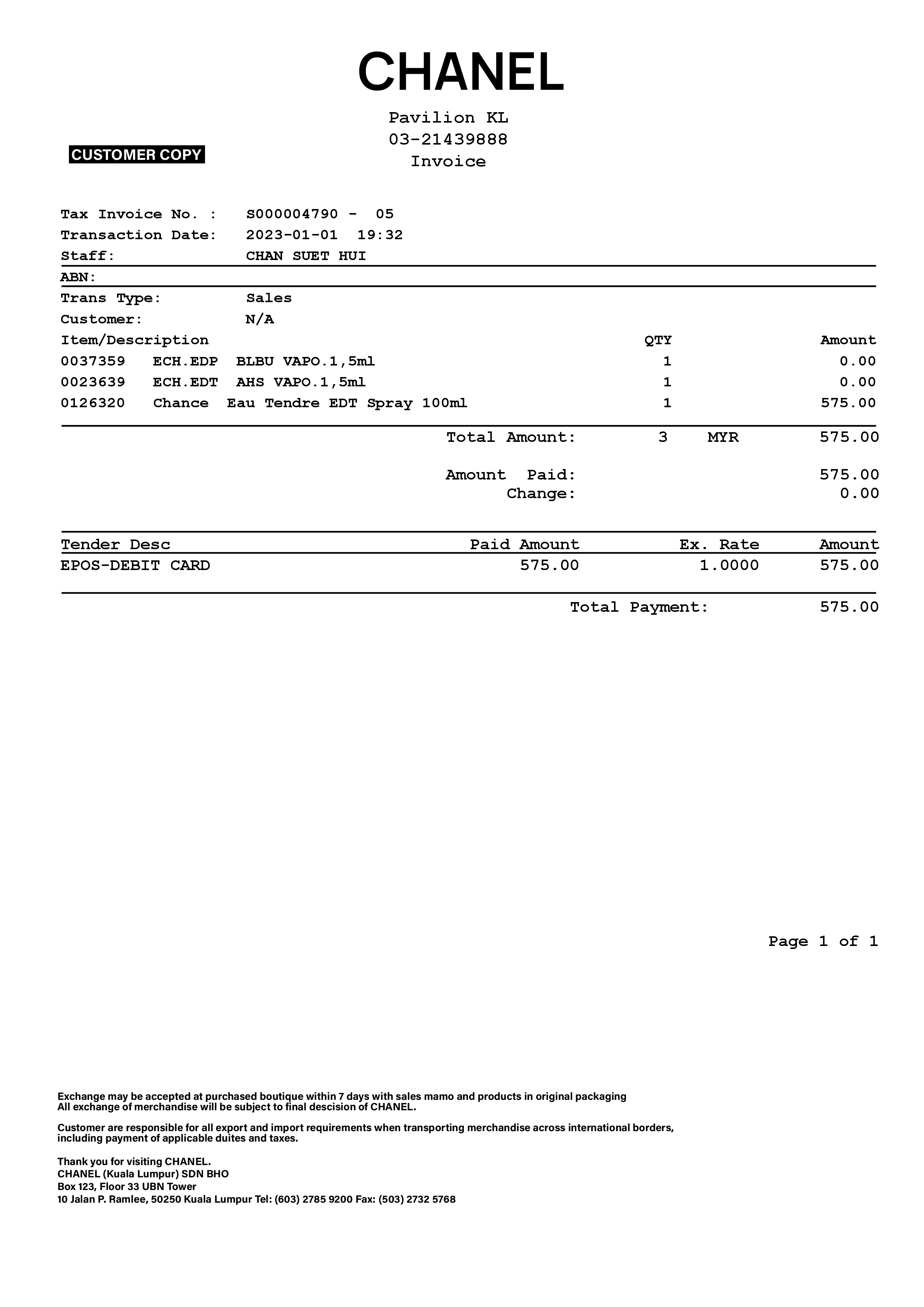
The picture on this page is the starting Bloomingdales Receipt Template. Open it in the builder to change a name, a price, or a note, then download that receipt.
Save the Bloomingdales Receipt Template as a PNG, or as a PDF of that same picture.
Choose the font, text size, color, alignment, indent, and dividers for each part of the Bloomingdales Receipt Template.
Add a barcode or QR code when the Bloomingdales Receipt Template needs a scannable number.
Set the Bloomingdales Receipt Template to a narrow, standard, or wide roll.
- To provide proof of purchase for warranty or return purposes - To help with tracking and organizing expenses for tax purposes - To take advantage of rewards or loyalty programs - To get maximum resale value on secondary marketplaces or consignment shops (if purchasing clothing, shoes, or other retail items)
Bloomingdale's produces a wide range of products, including clothing, shoes, accessories, handbags, jewelry, home goods, bedding, and furniture. Bloomingdale's products can be found in their retail stores, online, and through their catalog.
If you do not have a receipt, Bloomingdale's will accept returns for exchange or store credit only. All returns must be made within 45 days of purchase. All returns must be accompanied by a valid ID.
To get a duplicate receipt from Bloomingdale's, you will need to contact the store where you made the purchase. You can contact the store directly by calling the customer service number found on the Bloomingdale's website. You will need to provide the store with your purchase information, such as the date and time of the purchase, the items purchased, and the payment method used. The store may be able to provide you with a duplicate receipt.
The elements on a Bloomingdale's receipt typically include the store's name and logo, the date and time of purchase, the items purchased and their prices, the total amount due, payment information such as the type of card used, the cardholder's name, and the card's last four digits. Additionally, Bloomingdale's receipts may include special offers and discounts that the customer can take advantage of.
This is a Standard template. A current Standard, PRO, or Enterprise membership removes the membership watermark. Guests still see it.