Sales Customer Receipt Generator
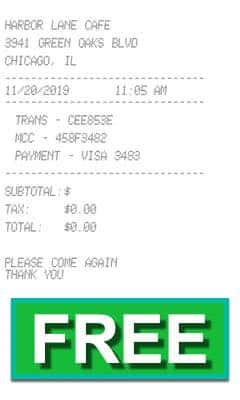
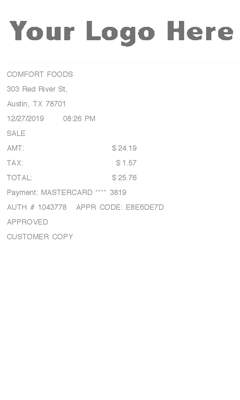
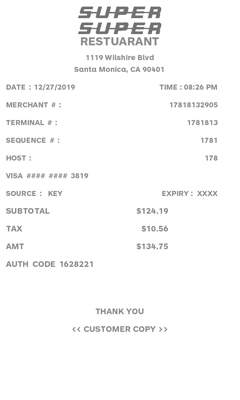
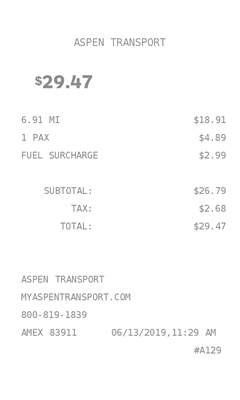
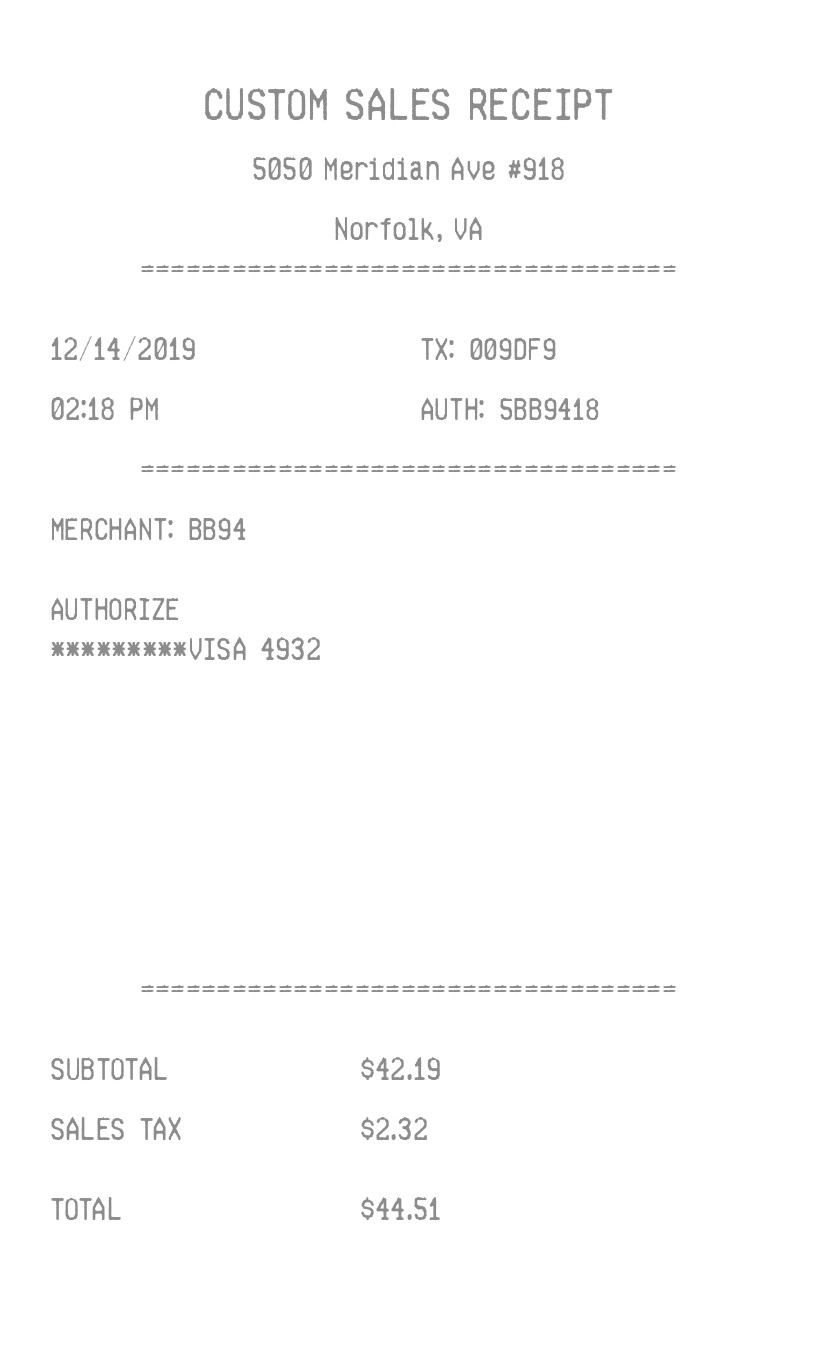
One amount and a tax percent, with the totals pushed to the bottom of the slip. No logo and no item list.
Enter Receipt Details
What information you can enter on this Sales Customer Receipt Generator template:
- Business Business name, street, city and state, date, and time. Phone is on the form. This receipt does not print it.
- Money One amount, a currency symbol, a tax label and percent, and a payment line you type. Five font styles sit above the fields.
How the sample is arranged
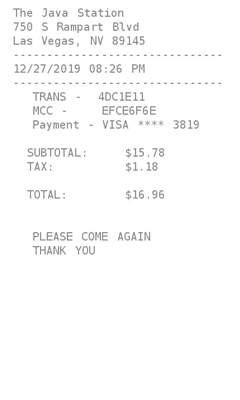
The sample is centered at the top: business, street, and city, then a dashed line. Date and time sit on the left, with a TX code and an auth code on the right. A merchant code, the word Authorize, and the payment line follow. After a long gap, subtotal, the tax label, and total sit at the bottom.
How the amounts are worked out
The subtotal is the amount you type. Tax is that amount times the percent unless the label is No tax. The TX code, auth code, and merchant code are filled in.
How to make this receipt
- Enter the business name, address, and city and state.
- Type the amount and a tax label and percent, or choose No tax.
- Type how it was paid, then make the receipt and download the JPG or PDF.
Membership and download
This is a Standard template. A current Standard or PRO membership removes the membership watermark. If you are not signed in, the receipt still shows that watermark. After you make the receipt, the page offers a JPG download and a PDF of that same image.
Other templates
- Register Receipt Also one amount, with the transaction code in the middle and “Please come again” at the end.
- Entertainment Receipt A PRO slip headed Transaction record, with the phone number printed and a fixed approval line at the bottom.