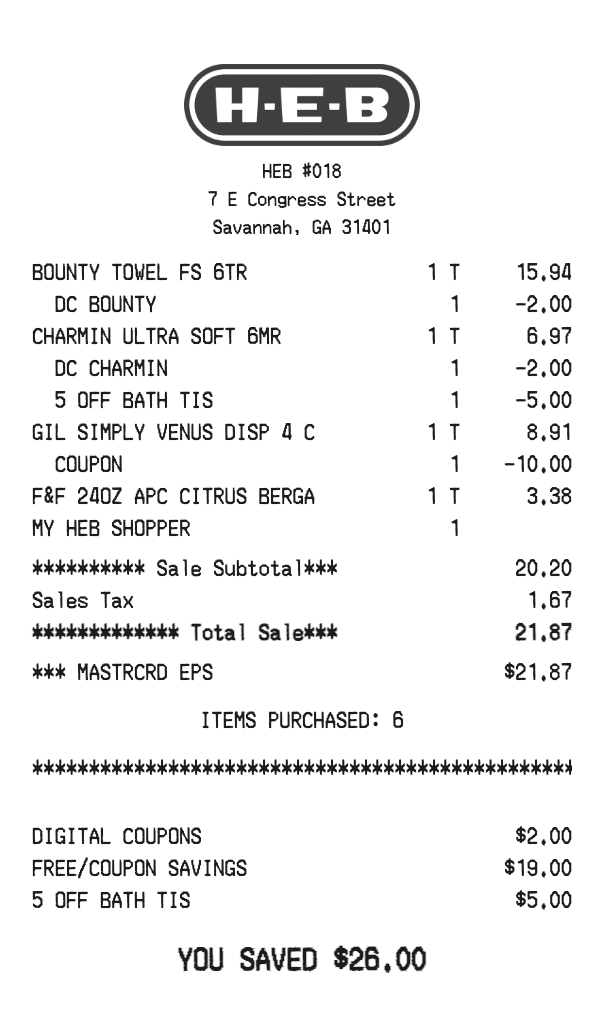
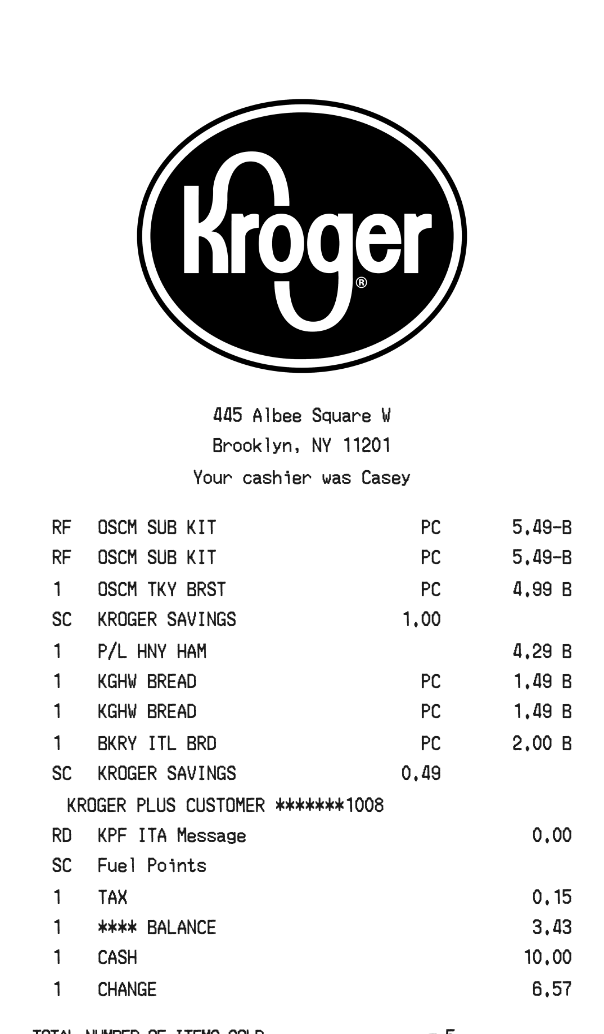
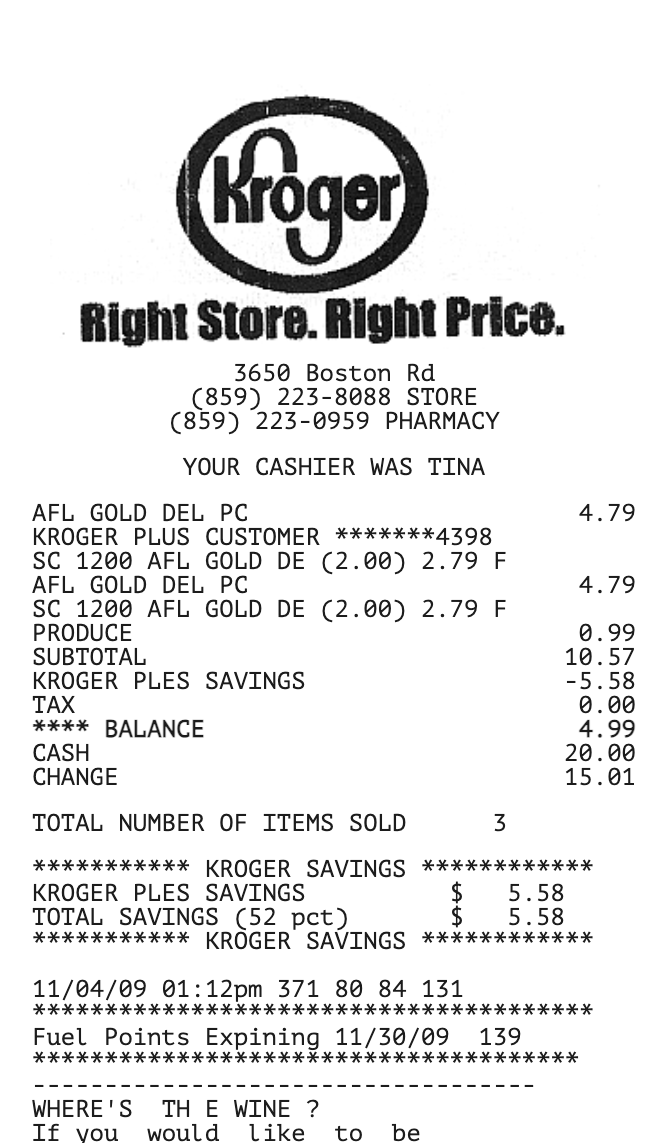
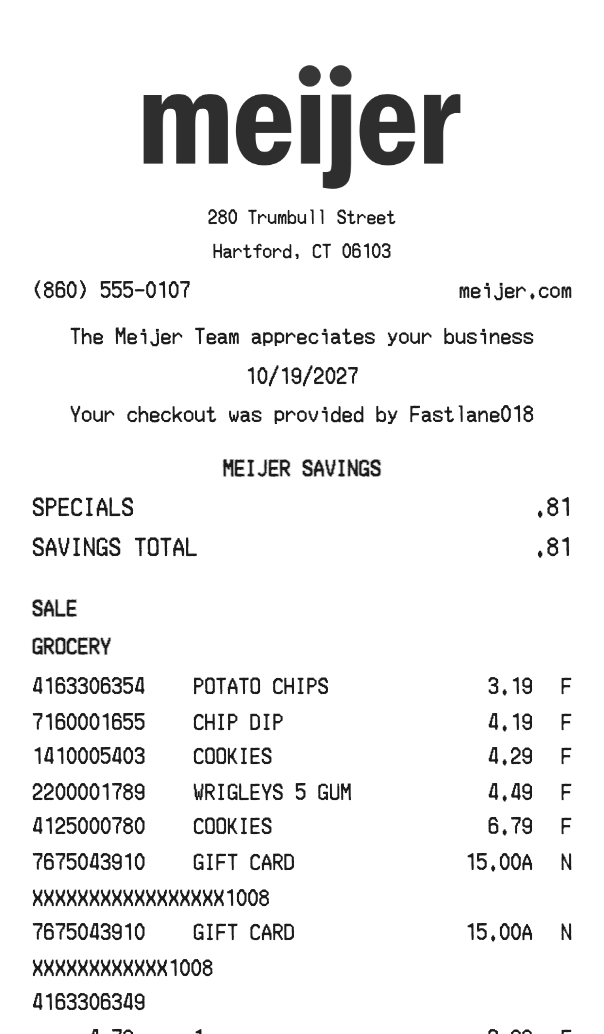
Drag-and-drop Whole Foods Receipt 3
Arrange our easy-to-use receipt generator on the Whole Foods Receipt 3. Each section moves, and the Whole Foods Receipt 3 keeps the order you set.

Food
 Click to begin editing this receipt
Create a customized Whole Foods receipt with our easy-to-use receipt generator. Simply select the Whole Foods template from our library, make your edits, and instantly save or download your personalized receipt.
Generate this receipt3 free tries each day.
Create a customized Whole Foods receipt with our easy-to-use receipt generator. Simply select the Whole Foods template from our library, make your edits, and instantly save or download your personalized receipt. Fonts, spacing, and section order are yours to change, and the Whole Foods Receipt 3 preview updates as you type.
Arrange our easy-to-use receipt generator on the Whole Foods Receipt 3. Each section moves, and the Whole Foods Receipt 3 keeps the order you set.
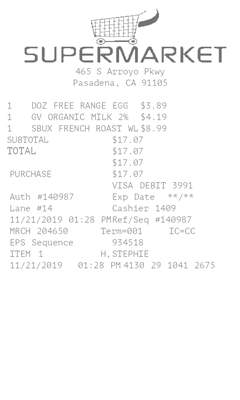
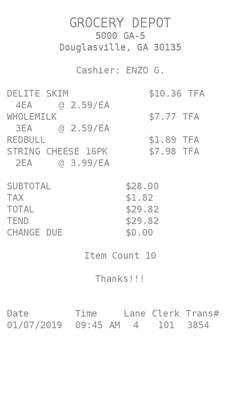
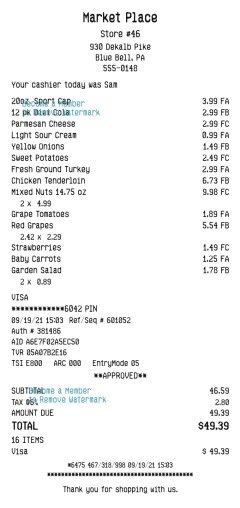
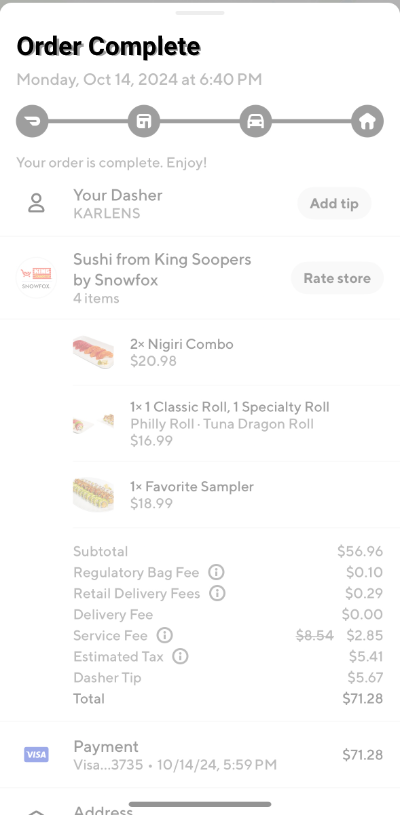
The picture on this page is the starting Whole Foods Receipt 3. Open it in the builder to change a name, a price, or a note, then download that receipt.
Save the Whole Foods Receipt 3 as a PNG, or as a PDF of that same picture.
Choose the font, text size, color, alignment, indent, and dividers for each part of the Whole Foods Receipt 3.
Add a barcode or QR code when the Whole Foods Receipt 3 needs a scannable number.
Set the Whole Foods Receipt 3 to a narrow, standard, or wide roll.
• To return an item for a refund or store credit • To verify a purchase in case of a dispute • To provide proof of purchase for warranty claims • To use for tax documentation • To achieve maximum resale value in secondary marketplaces or consignment shops
Whole Foods typically allows returns on most items within a specific time frame, provided you have your receipt. This ensures a smooth process for exchanges or refunds, making your shopping experience more convenient.
The Whole Foods receipt features a clean layout with essential details such as the store location (Birmingham, MI), date of purchase (06/02/2019), and a list of items purchased. For example, it includes "Flower Alkaline Water" priced at $2.19 each, along with discounts applied for sales. The total amount paid was $11.25, with the payment method listed as a credit card. This structured format makes it easy to track your purchases.
This is a Standard template. A current Standard, PRO, or Enterprise membership removes the membership watermark. Guests still see it.