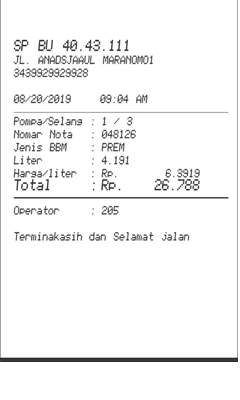
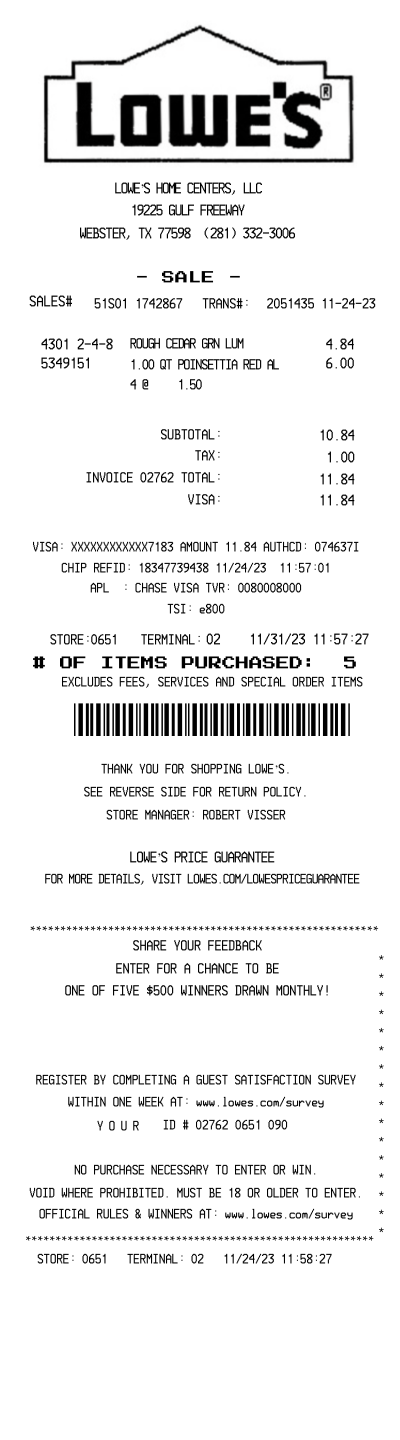
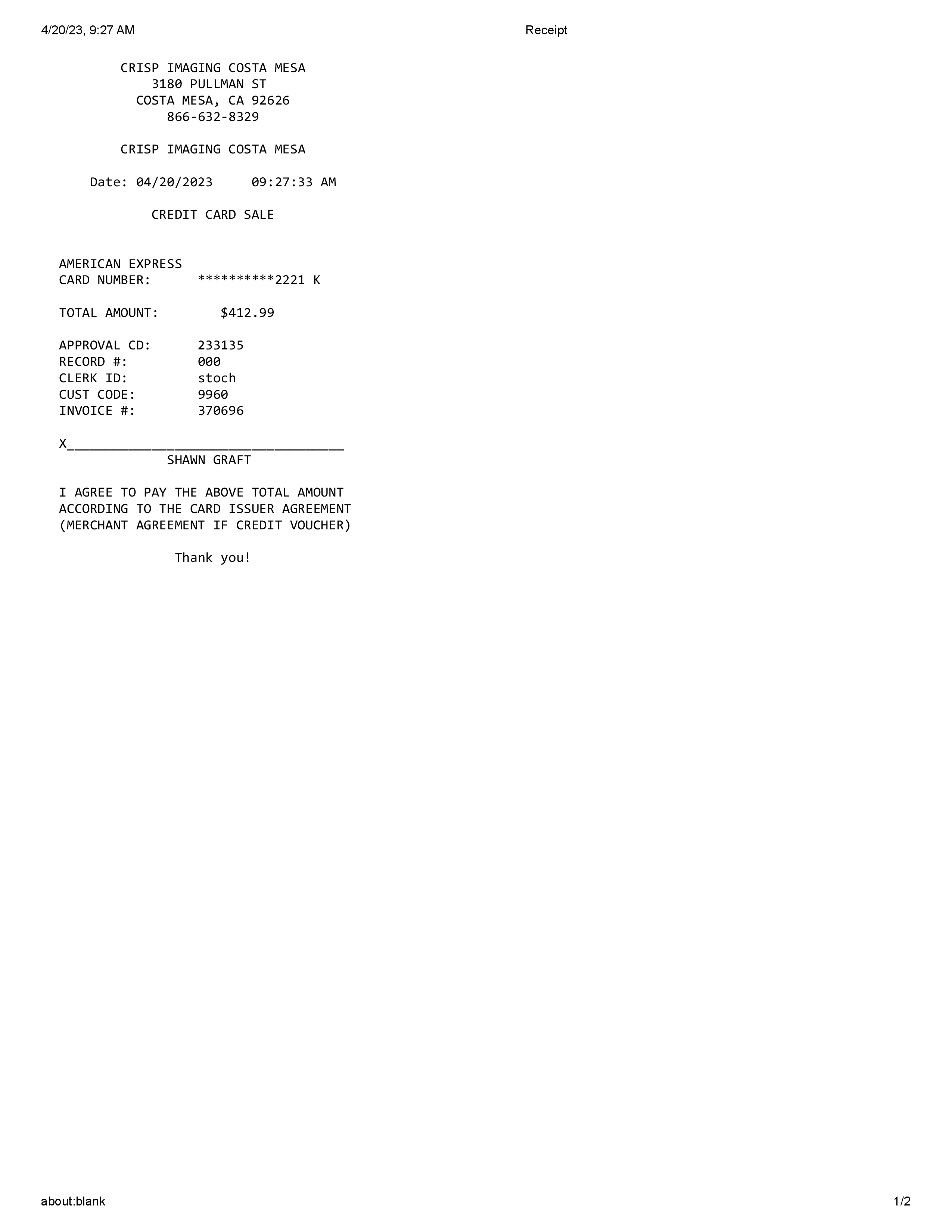
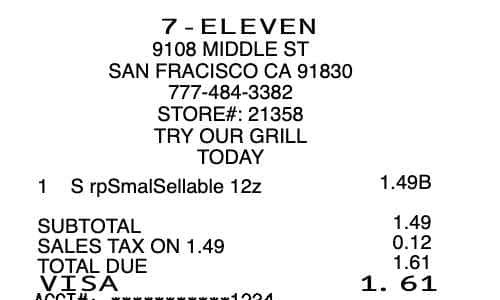
Shell fuel slip Generator
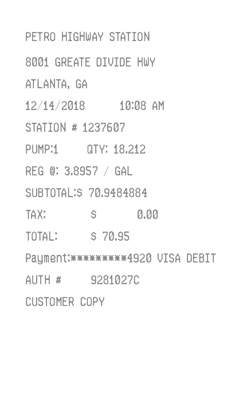
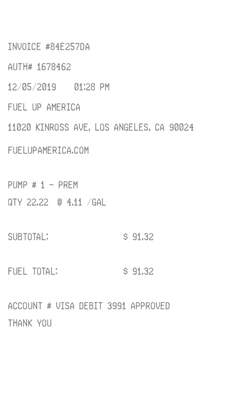
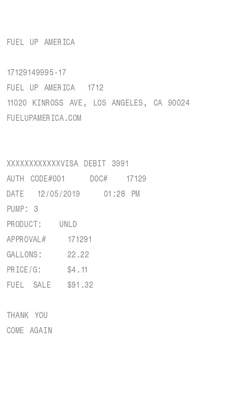
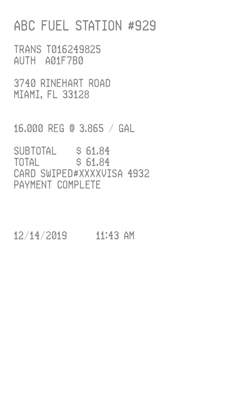
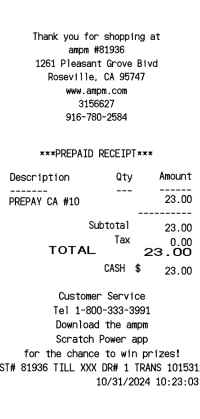
A Standard pump slip. The station name is whatever you type. Every line is the same size. There is no logo.
Enter Receipt Details
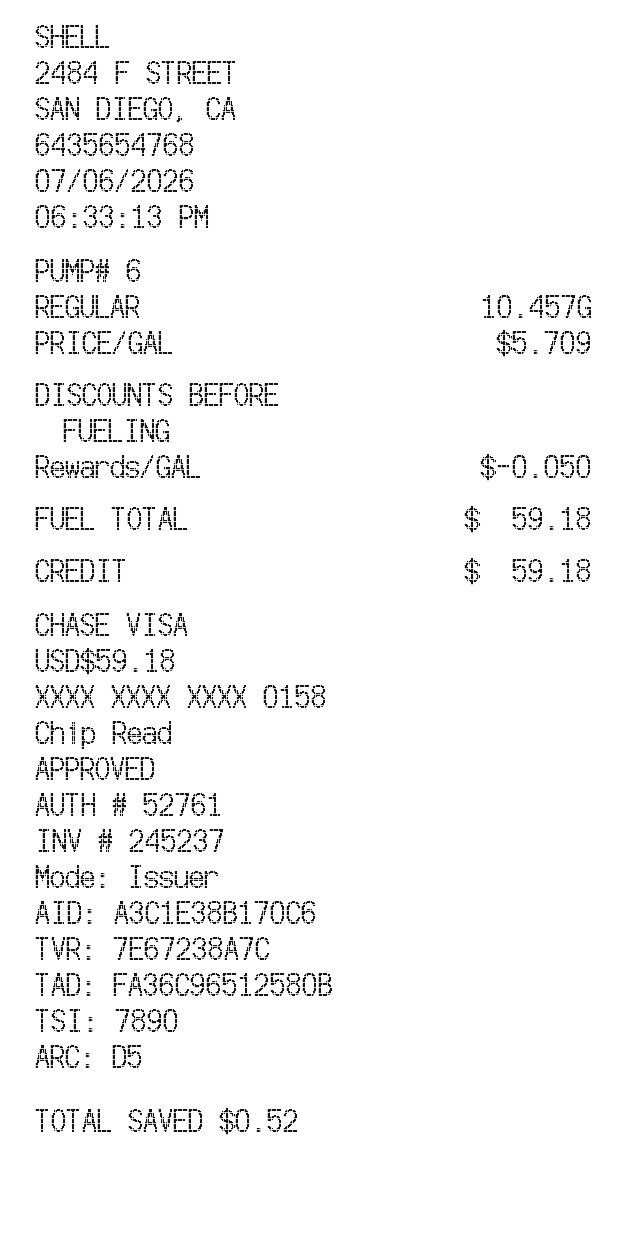
What information you can enter on this Shell fuel slip Generator template:
- Station Station name, street, one city and state line, phone, date, and time. They print on the left, as you type them. The sample station name is SHELL. Five font styles sit above the fields. They do not change this slip. The face stays a thermal font, and every line is one size.
- Fuel Quantity, Gallons or Liters, price per unit, and a grade: Regular, Unlead, Premium, or Diesel. Regular prints as REGULAR. The quantity prints with three decimals and a G or an L. The custom text line is the pump number. Leave it blank and a pump number is filled in.
- Rewards and payment The amount box is the rewards discount per gallon, as a positive number such as 0.050. Blank or 0 leaves off Discounts before fueling, Rewards/GAL, and Total saved. A currency symbol is on the form. The payment line is the card name. If it ends in four digits, those digits are the masked card. Otherwise the last four are filled in.
How the sample is arranged
The station name, street, city and state, phone, date, and time come first. PUMP# follows, then the grade with the quantity on the right, and PRICE/GAL or PRICE/L. When the rewards rate is above 0, Discounts before fueling, Rewards/GAL or Rewards/L, and Total saved print. Fuel total and the tender line print the same amount. A card payment then shows the card name, a USD amount when the currency is $, the masked card, Chip Read, APPROVED, an auth number, an invoice number, Mode: Issuer, and the AID, TVR, TAD, TSI, and ARC lines.
How the amounts are worked out
The fuel total is the quantity times the price per unit, minus the quantity times the rewards rate. The credit, debit, or cash line repeats that total. Total saved is the quantity times the rewards rate. Cash in the payment line prints CASH and skips the chip block. The word debit prints DEBIT. Any other payment prints CREDIT. The auth number, invoice number, and the AID, TVR, TAD, TSI, and ARC codes are filled in. Chip Read, APPROVED, and Mode: Issuer are fixed. There is no tax line and no logo.
How to make this receipt
- Enter the station name, address, city and state, phone, date, and time.
- Enter the quantity, gallons or liters, the price per unit, and the grade. Type a pump number, or leave it blank.
- Enter a rewards rate if you want one, type the card name and last four, then download the JPG or PDF.
Membership and download
This is a Standard template. A current Standard or PRO membership removes the membership watermark. If you are not signed in, the receipt still shows that watermark. After you make the receipt, the page offers a JPG download and a PDF of that same image.
Other templates
- Island Pump Ticket A boxed pump ticket with a dark header and an amount-due bar.
- Gas Station Receipt A plain centered gas slip with a tax line, instead of this card block.