Customer Signature Receipt Generator
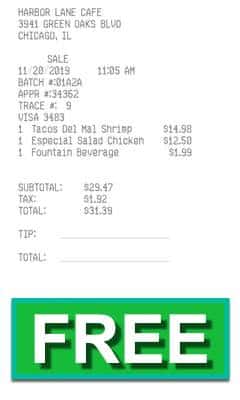
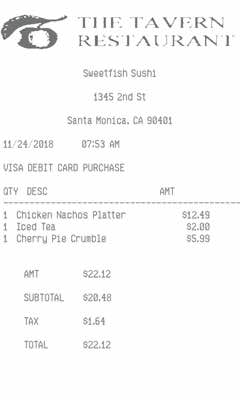
PRO templateItem totals are quantity times price. The phone prints. A blank tip line and a signature line sit under the total.
Enter Receipt Details
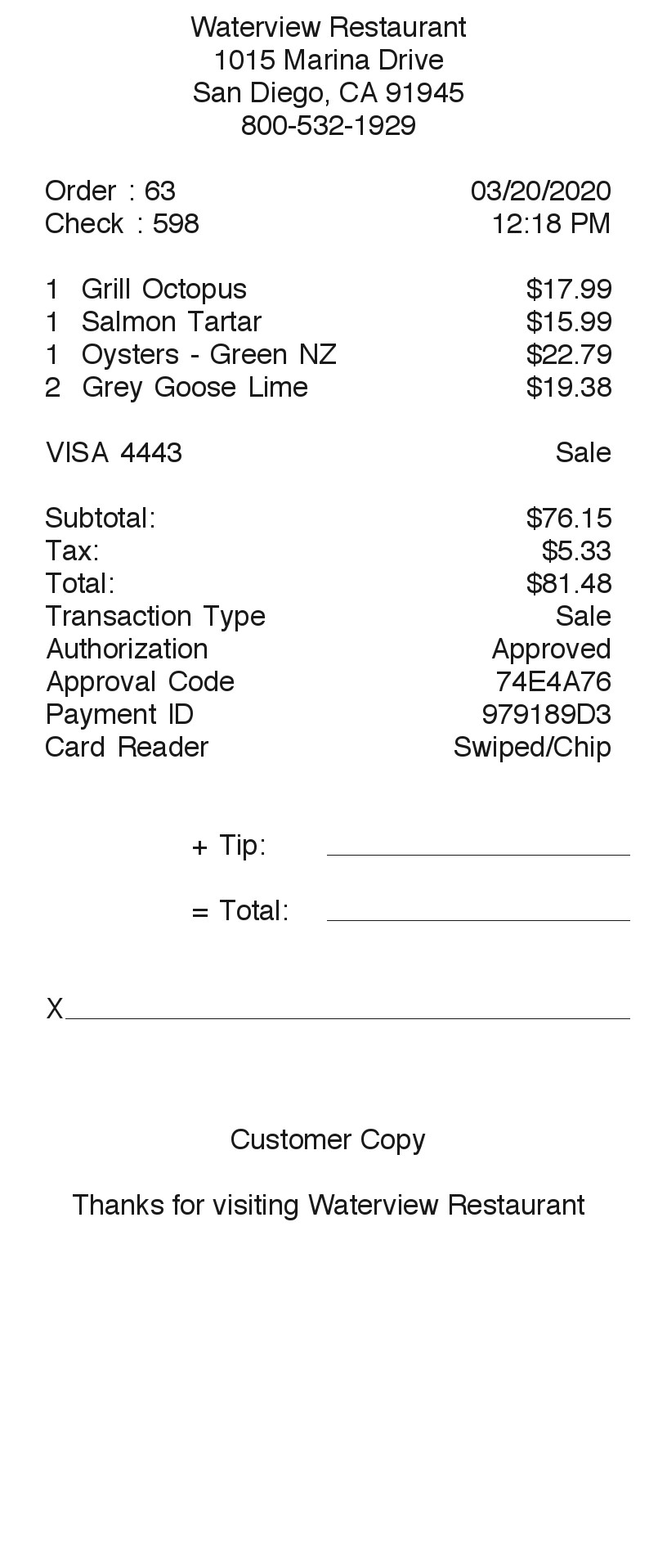
What information you can enter on this Customer Signature Receipt Generator template:
- Restaurant Restaurant name, street, city and state, and phone. The phone prints under the city when you enter one. An order number and a check number are filled in.
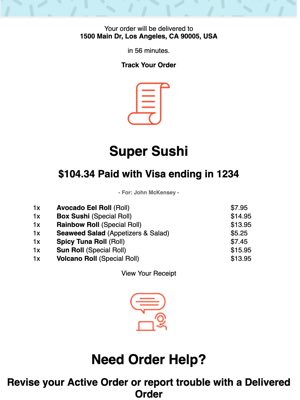
- Items Each line has a quantity, a description, and a price. The printed amount is quantity times price.
- Money A currency symbol, a tax label and percent, and a payment line you type. You can add a second tax label and percent. Choosing No tax does not remove the tax line on this slip. Leave the percent at 0 if you want a zero tax amount. Five font styles sit above the fields.
How the sample is arranged
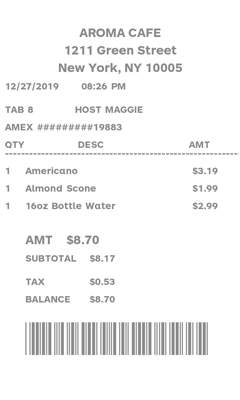
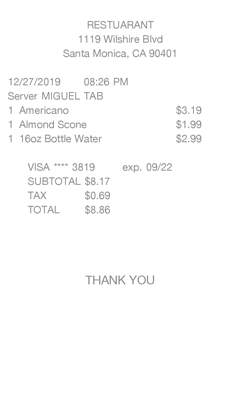
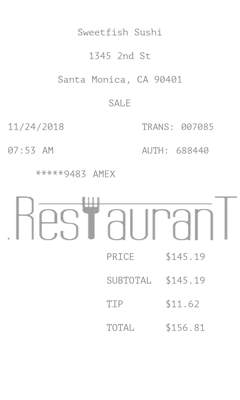
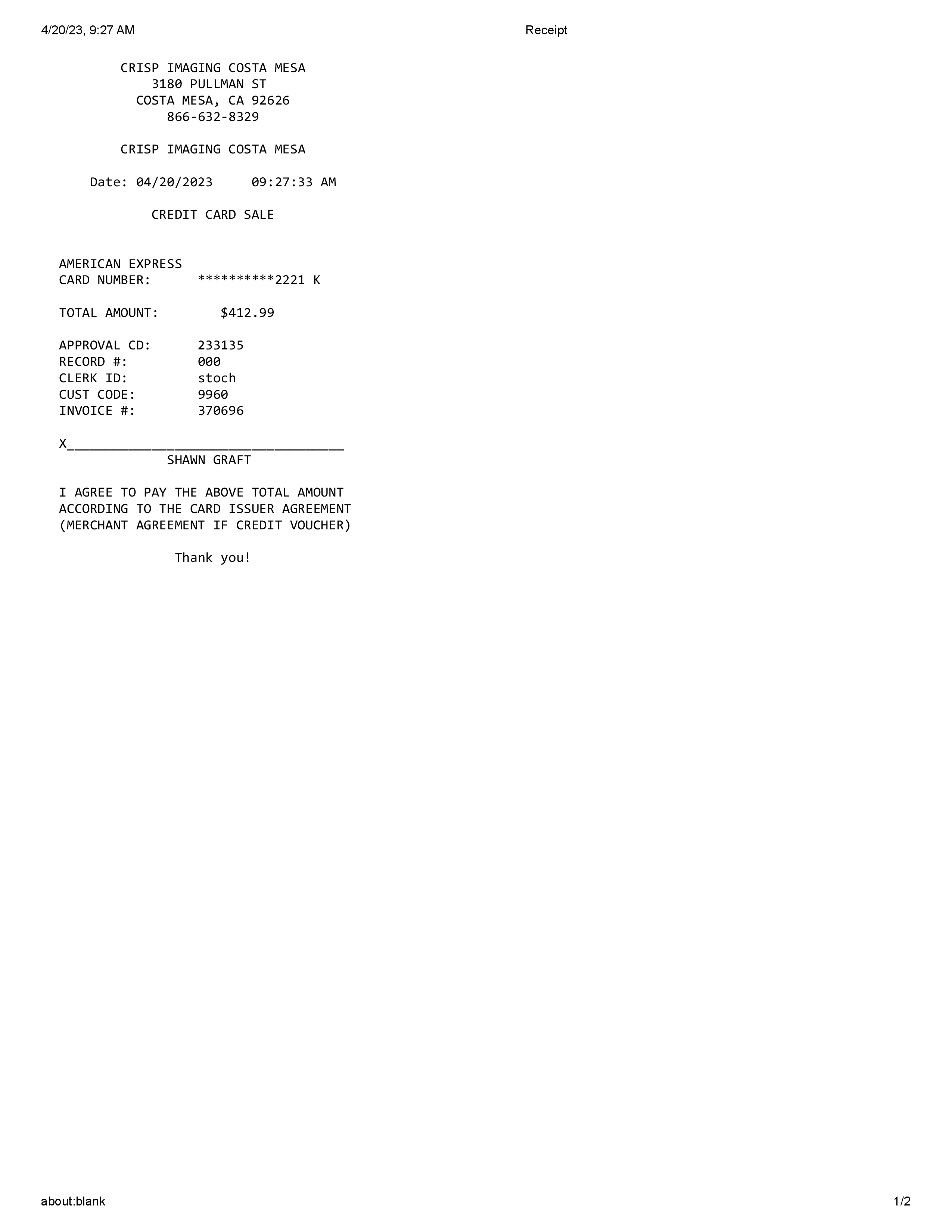
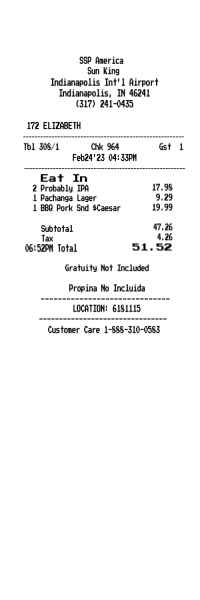
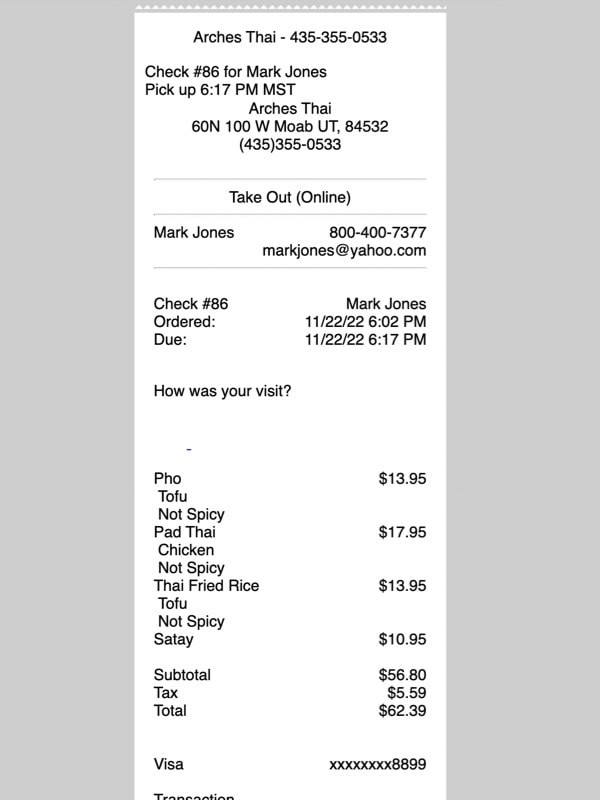
The sample is centered at the top: name, street, city, and phone. Order and date share a line. Check and time share the next. Item lines follow, then the payment line and the word Sale. Subtotal, tax, and total come next, then transaction type, authorization, an approval code, a payment id, and card reader. A blank tip line, a blank total, and a signature line sit above customer copy and a thank-you that uses the restaurant name.
How the amounts are worked out
The subtotal is the sum of quantity times price. A tax percent above 0 is added, including when the label is No tax. A second tax row, if you add one, is added too. Authorization is the word Approved. It is not a card check. Card reader is always Swiped/Chip. Order, check, approval, and payment id are filled in.
How to make this receipt
- Enter the restaurant name, address, city and state, and phone.
- Add each item with a quantity, a description, and a price.
- Set the tax percent, type the payment line, then download the JPG or PDF.
Membership and download
This is a PRO template. Standard membership still shows the membership watermark. A current PRO membership removes it. After you make the receipt, the page offers a JPG download and a PDF of that same image.
Other templates
- Restaurant With Tip Also quantity times price, with suggested 15, 18, and 20 percent lines instead of one blank tip line.
- Bar Receipt Also quantity times price and a blank tip line. Choosing No tax does leave the tax off.
Questions
Does Approved mean a card was checked?
No. Approved, and Swiped/Chip, are printed on this template.