
Retail Receipt Templates
Create a retail receipt for merchandise. List each product with a quantity and a price, then add the store, the tax, and the payment. Choose a template below to begin.
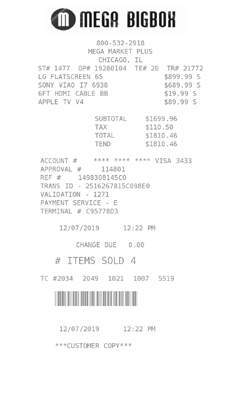
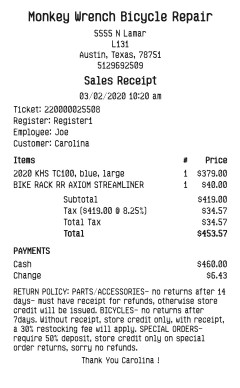
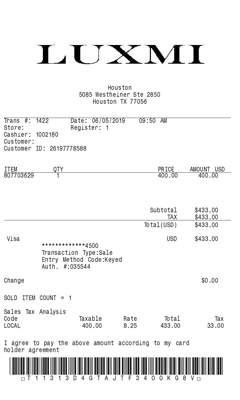
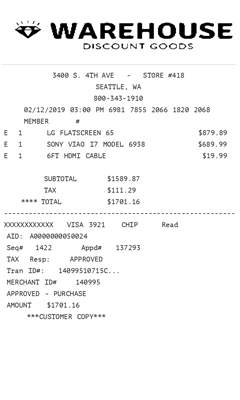
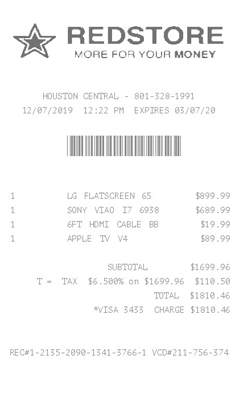
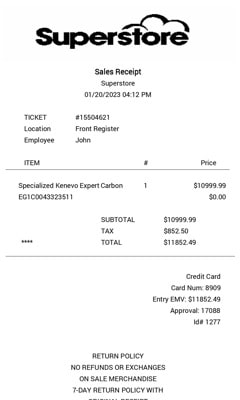
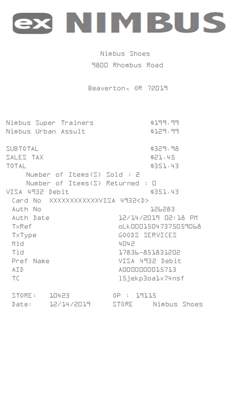
Receipts for a store
A shop needs a receipt when a customer buys merchandise and wants a copy. These templates are itemized: the store at the top, each product on its own line, and the total at the bottom.
-
Each product on a line
Enter a quantity, an item name, and a price for every product. MakeReceipt adds the lines into the subtotal.
-
The store
Put the store name, address, and phone on the receipt. Several layouts can include the store logo.
-
Tax on the merchandise
Choose the tax label and the rate. The receipt shows the tax and the amount due.
-
Card or cash
Record how the customer paid, and add a short custom note when the layout includes one.
Retail receipt layouts
-
Store item list
A merchandise receipt with each product, the quantity, and the price. Use it for a counter sale.
-
A branded shop receipt
The same item lines with room for the store logo, for a receipt that looks like the shop’s own slip.
-
A note for the customer
Itemized layouts that also take a short custom line under the products and the payment.
Also make Grocery receipts, Sales receipts, or Pharmacy receipts.
Get Started to make receipts without the watermark on the templates in your plan.