Ride Share app receipt template Generator
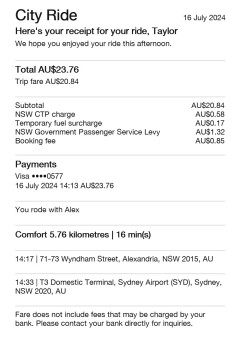
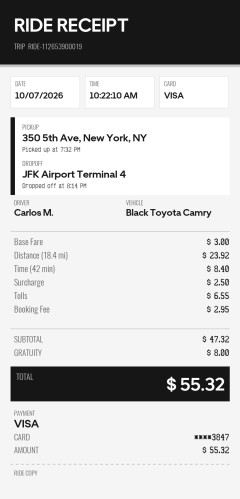
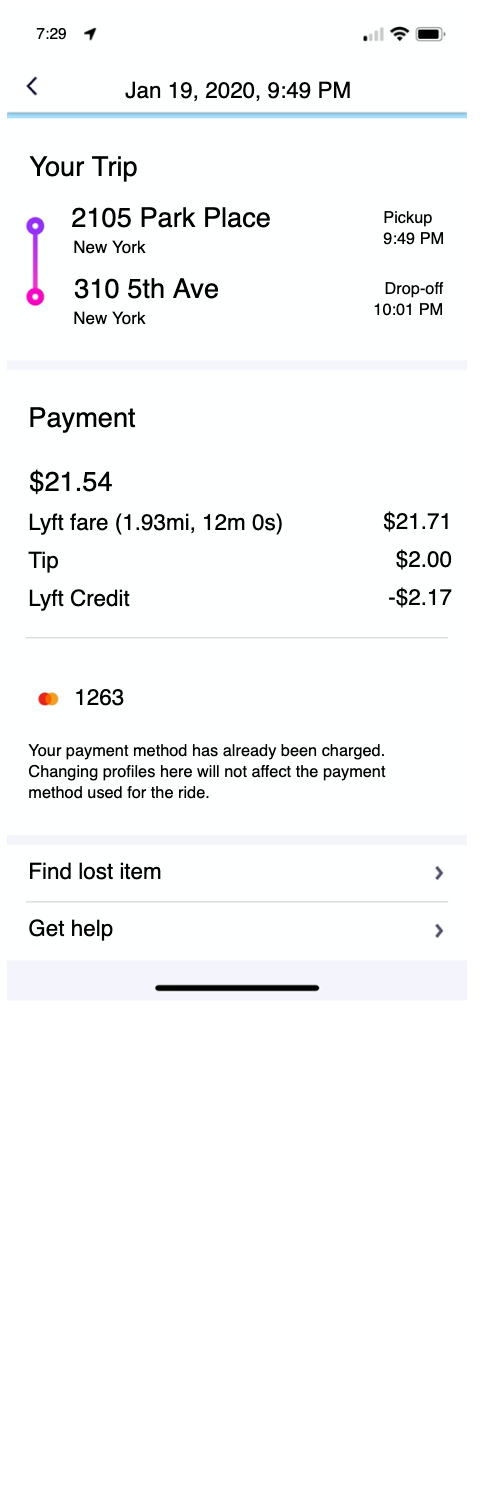
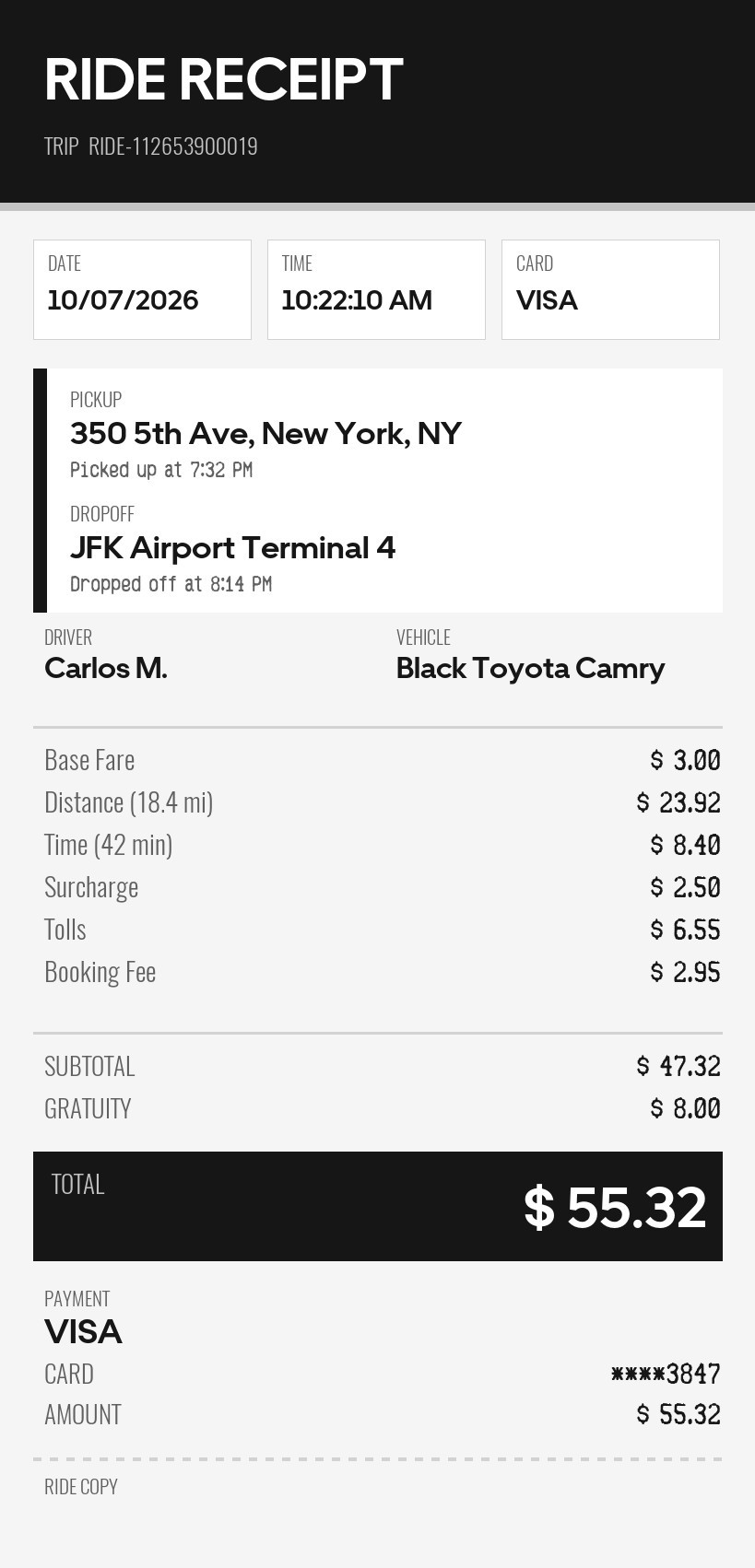
A boxed ride ticket. The header, route, and total bar follow an app layout. Each fare line is quantity times price.
Enter Receipt Details
What information you can enter on this Ride Share app receipt template Generator template:
- Header Business name, date, and time. The business name prints in capitals in the dark header. Leave it blank and the header says RIDE RECEIPT. The sample leaves it blank. A trip id is filled in. There is no logo.
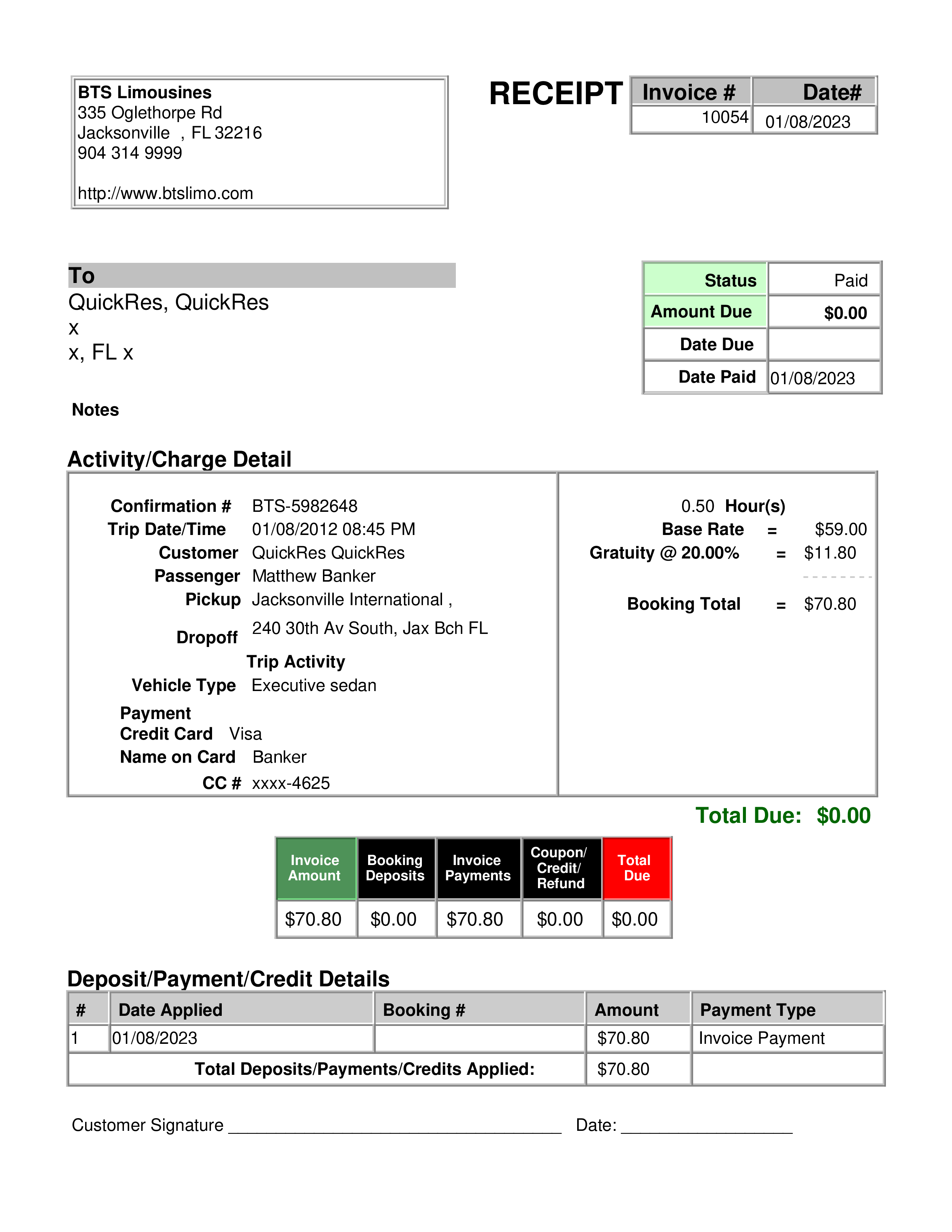
- Route Pickup time, drop-off time, pickup address, and drop-off address. A driver and a car type. A blank address prints a dash. If you leave both the driver and the car type blank, that row is left off.
- Fares A currency symbol, an amount, a card brand, and a payment line. The amount is the gratuity. Fare lines each have a quantity, a description, and a price. A long description is shortened. Five font styles sit above the fields. Headings stay in the app typeface. The style you pick is used for the pickup and drop-off times and for the fare figures. The euro checkbox switches the decimal to a comma.
How the sample is arranged
A dark header holds the business name, or RIDE RECEIPT, and the trip id. Three boxes show the date, the time, and the card brand. A white panel has the pickup, Picked up at, the drop-off, and Dropped off at. Driver and vehicle sit under that when you enter either one. Fare lines, subtotal, and gratuity follow, then a black total bar. Payment shows the brand, a masked card, and the amount. A dashed line and RIDE COPY close the ticket. There is no QR code.
How the amounts are worked out
The subtotal is the sum of quantity times price. The gratuity is the amount you type. Leave it blank and the gratuity is 0.00. The total is the subtotal plus the gratuity. The amount row repeats that total. If the payment text ends in four digits, those digits are the last four. Otherwise the last four are filled in. The trip id and RIDE COPY are fixed.
How to make this receipt
- Enter a business name if you want one, plus the date, time, driver, and vehicle.
- Add the pickup and drop-off, each fare line, and the gratuity.
- Choose a card brand, type the payment line, then make the receipt and download the JPG or PDF.
Membership and download
This is a Standard template. A current Standard or PRO membership removes the membership watermark. If you are not signed in, the receipt still shows that watermark. After you make the receipt, the page offers a JPG download and a PDF of that same image.
Other templates
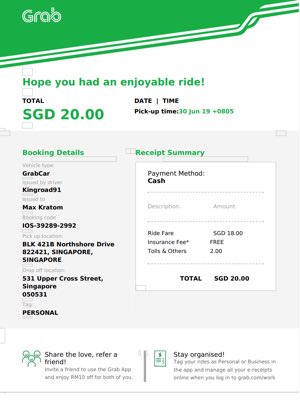
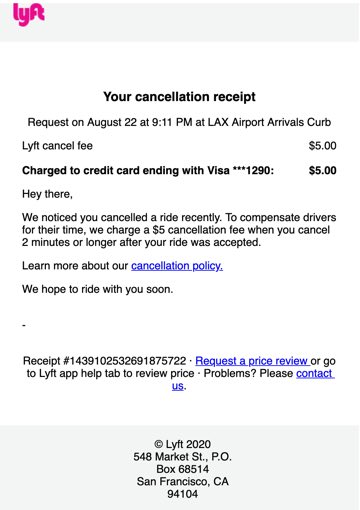
- Rideshare receipt template An email layout with an optional logo and a trip fare, instead of this boxed ticket.
- Island Pump Ticket The same boxed header and total bar, for a fuel sale instead of a ride.